Stills
Stills are the click storyboard. Every teaching beat is a PNG of the pointer on the control, with the gold ring held, before the click or keystroke. The bottom demo bar (step, title, route) is on by default so the still matches what the video teaches. E2E_DEMO_OVERLAY=0 hides the bar.
Video is the same spec with a camera. It is minutes. Stills are seconds. Iterate here first. See Best practices.
This site’s own walk is published as a gallery: Examples. That is what the PNGs look like.
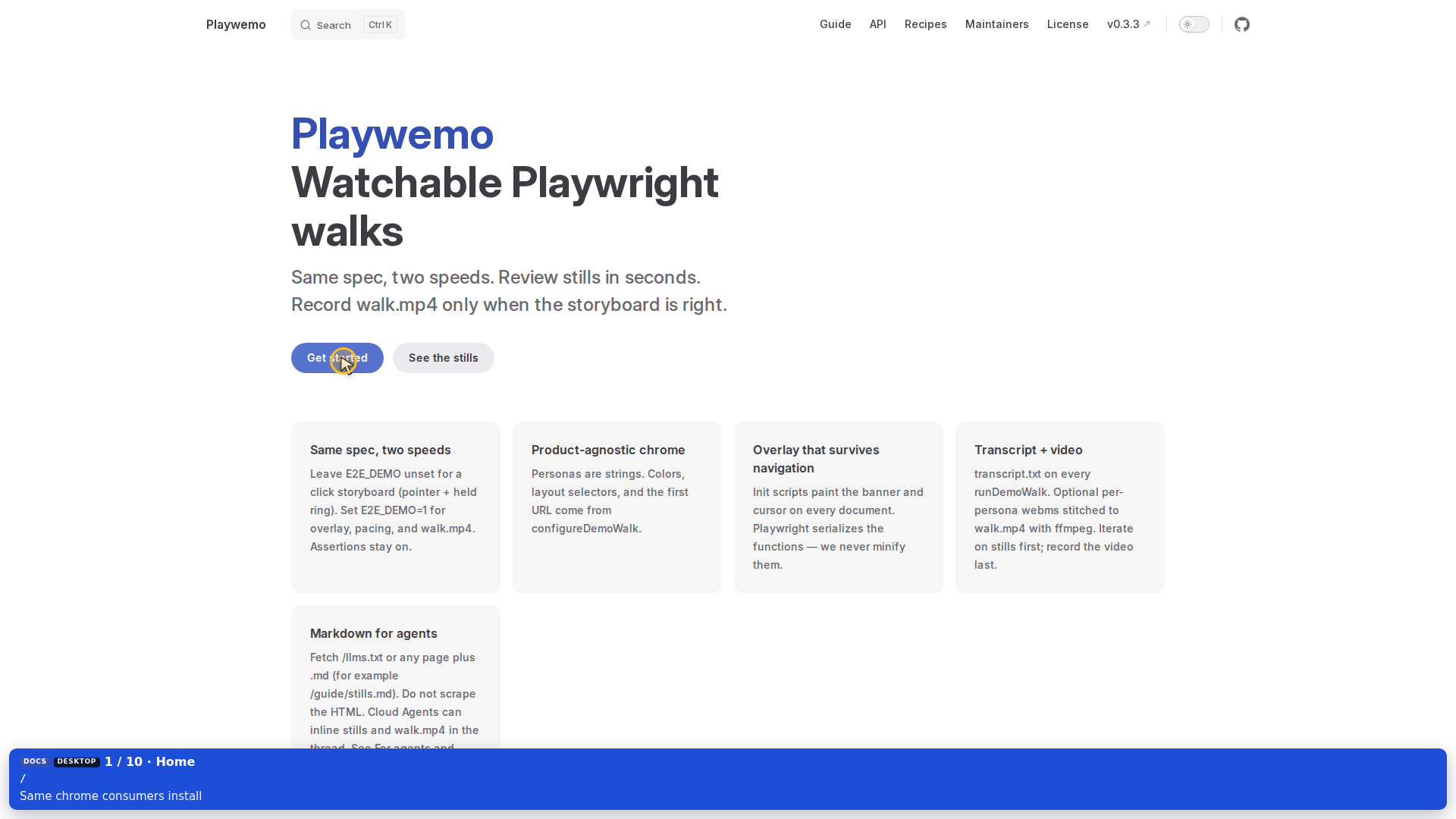
How a still is taken
Pass shot on the helper that is the teaching beat: demoClick, demoClickAndWaitUrl, fillField / fillShown, or demoPoint.
- Aim the pointer (hidden until then)
- Hold one gold ring
- Write
<slug>.pngon the stills path (CSS frozen). Video skips this capture so the camera does not freeze on a still-pose - Release the ring, then click / type / leave — on video there is no hold: the ring pulses fully, then the click lands, then a short pause so the beat can register
Do not demoScreenshot after demoFocus and hope the cursor is already on the next button. That is a rest frame (page, no pointer). Use demoScreenshot without shot only for “the page after typing.”
await demoClick(admin, admin.getByRole('button', { name: 'Sign in' }), {
  shot: 'sign_in',
});
The slug becomes sign_in.png. Keep names stable (01_… if you want sort order).
Where they land
test-results/e2e-demo/stills/<stamp>/screenshots/
test-results/e2e-demo/stills/latest.txt
A headed video run does not rewrite those PNGs. The film path does not hold the ring or write a still — that pose is what froze the picture. Stills stay under stills/<stamp>/. Video writes walk.mp4.
Playwright’s outputDir must be test-results/playwright so a test run does not delete these folders. See Playwright config.
How to review
Open stills/latest.txt, then that stamp’s screenshots/. Check:
- Pointer is on the control you meant
- One ring, not two
- Banner/chapter (headed path) matches the beat
- Persona chip matches the actor for that beat, not an earlier chapter
- You did not capture a blank pre-hydration frame
In this repo: bun run docs:e2e writes stills; bun run docs:e2e:demo adds video. In your app, leave E2E_DEMO unset for stills and set it only when the storyboard is right.
Stills vs video
One spec. Keep shot on both speeds. Do not fork a “film walk” or strip shot to make the cut smoother.
| You want | Flag | Capture |
|---|---|---|
| Storyboard PNGs | E2E_DEMO unset | Freeze CSS (animations: "disabled") so the PNG is the held ring |
walk.mp4 | E2E_DEMO=1 | No hold, no still. Pulse, then click, then a short pause. PNGs come from the stills run |
Do not call Playwright page.screenshot yourself while recordVideo is on. Keep shot on the spec; Playwemo ignores the file write on video. Video is the film path.
To show the storyboard in a Cursor Cloud thread, see Cursor.
Next: Writing a walk, then Video.