Skip to content

Examples

This is the real dogfood walk of this site (e2e/docs-walk.spec.ts): the same steps on desktop, tablet, and mobile — stills and one video per viewport. See Stills and Devices.

Pass { device: 'tablet' } (or mobile / desktop) into runDemoWalk. E2E_DEMO_DEVICE is the default when you omit it. Stills and video run all three presets unless that env is set.

Video

E2E_DEMO=1. Same walk, one file per viewport.

Desktop · 1920×1080

Tablet · 768×1024

Mobile · 390×844

Desktop · 1920×1080

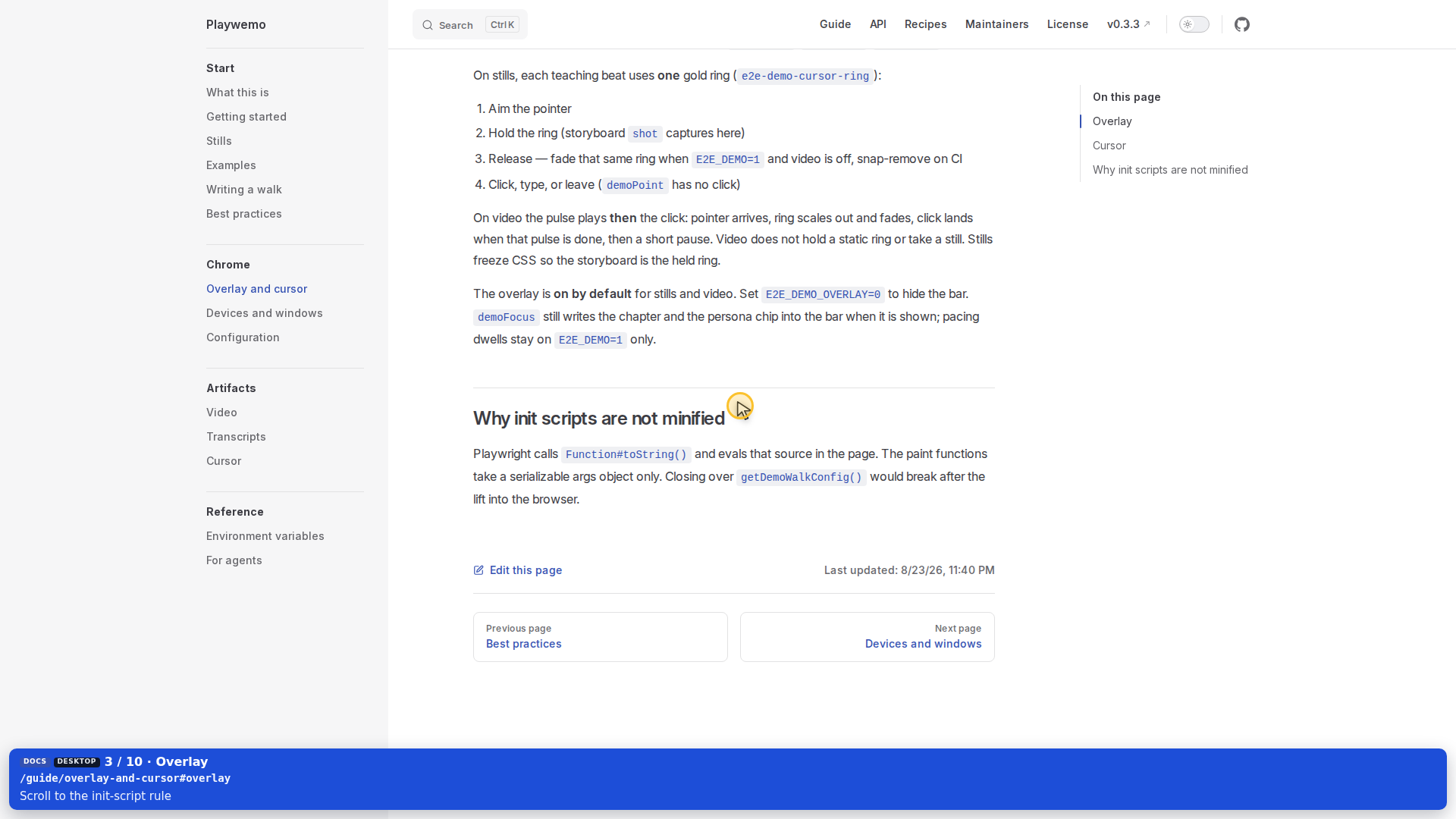
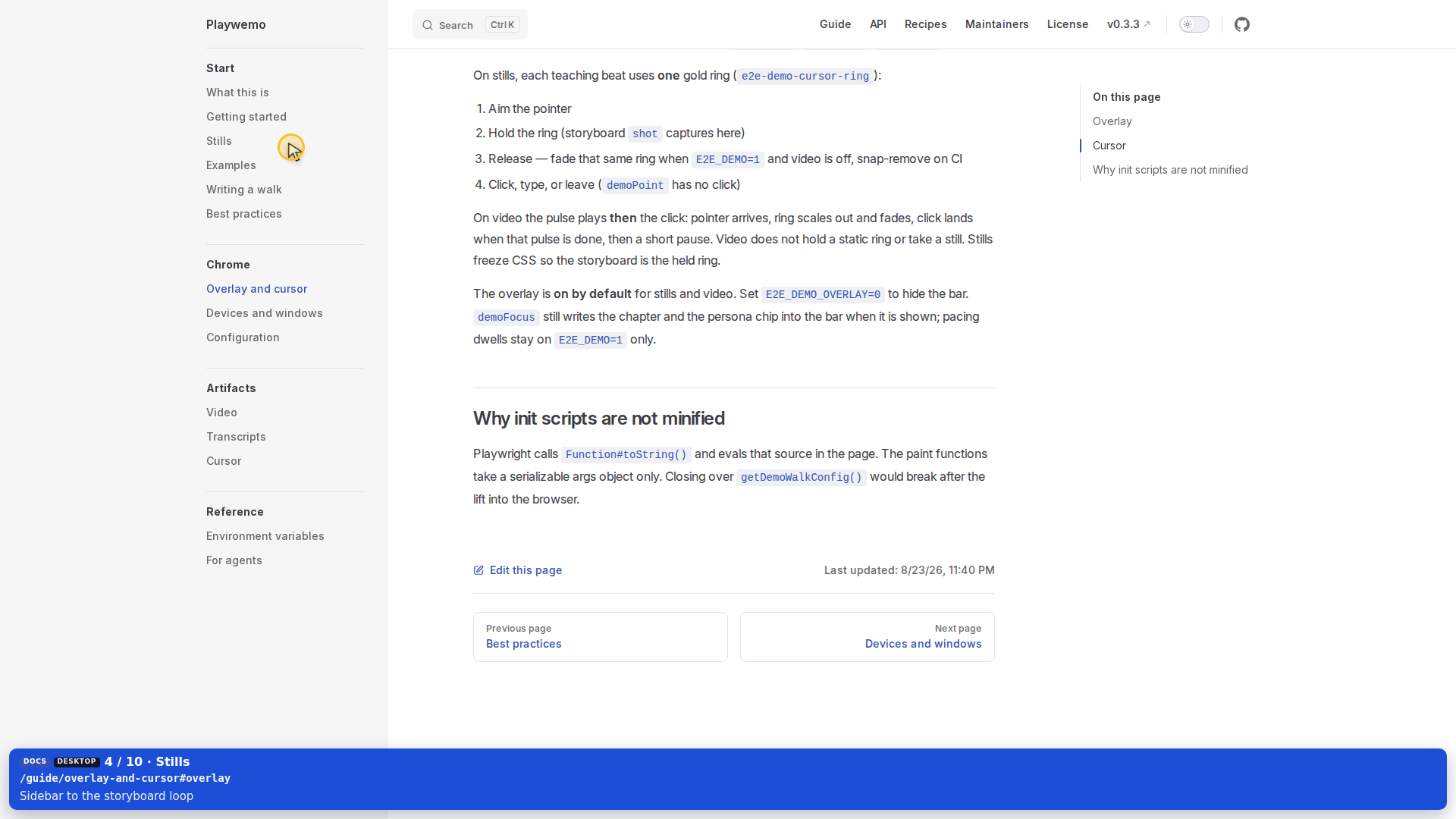
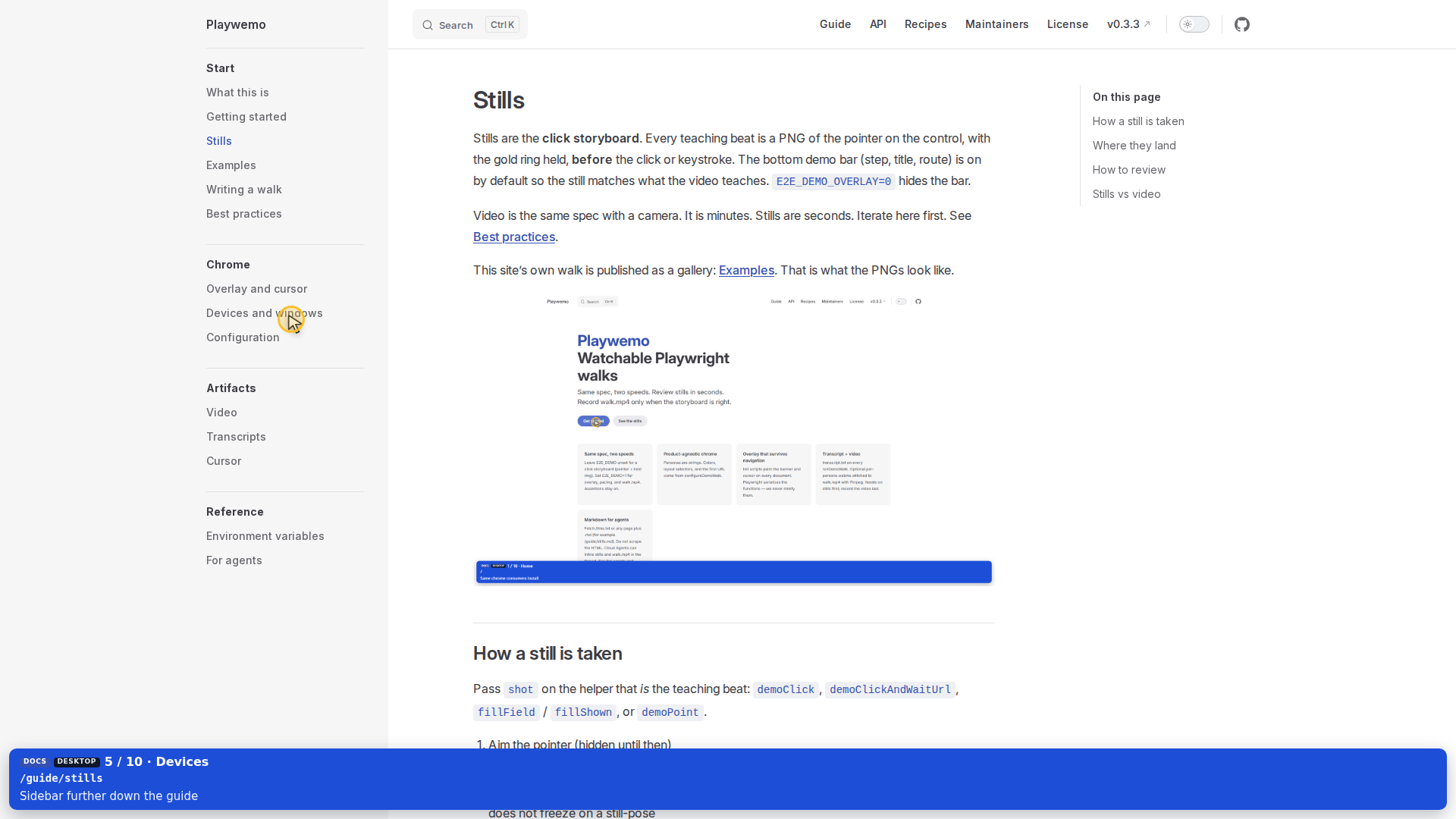
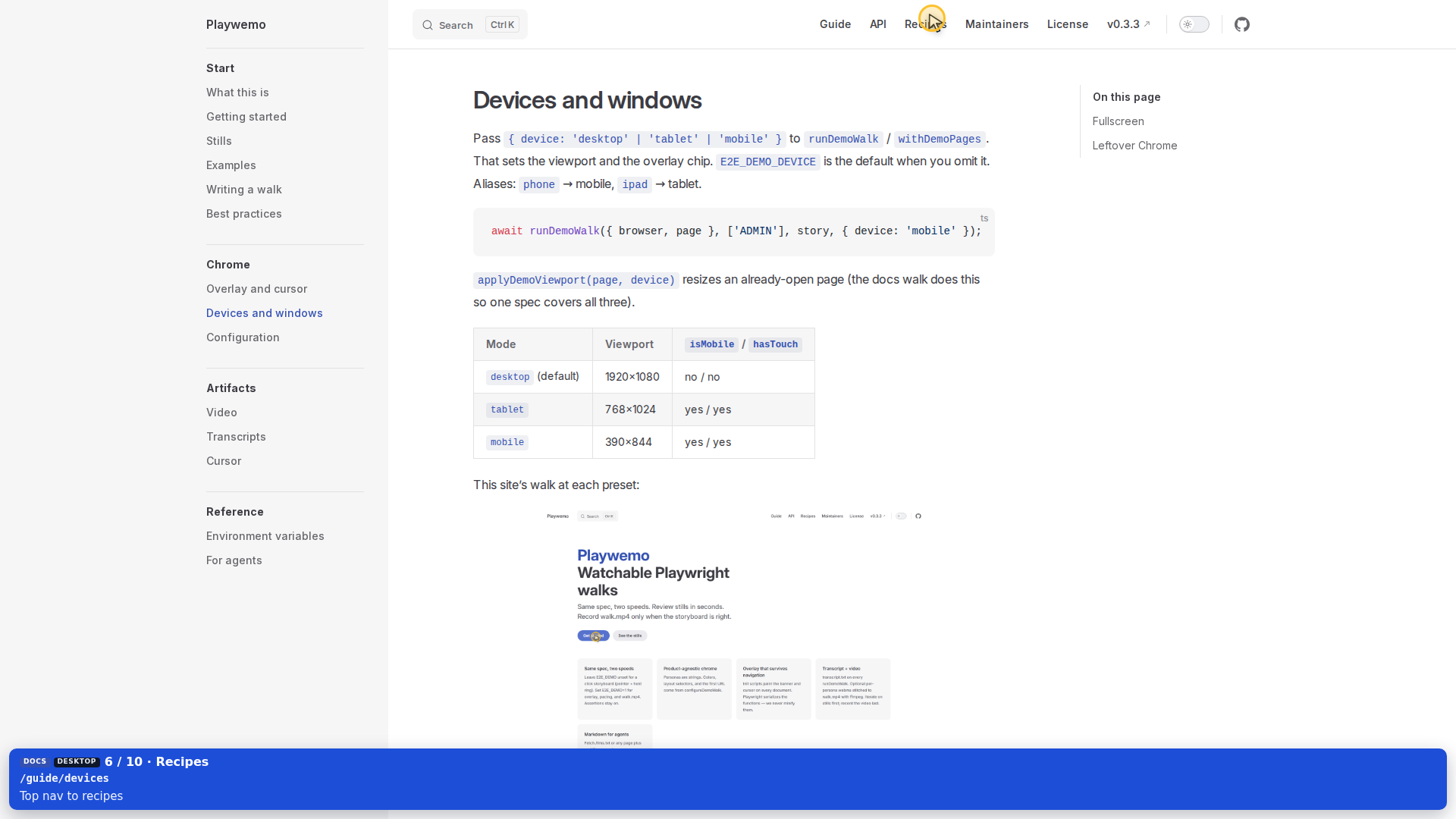
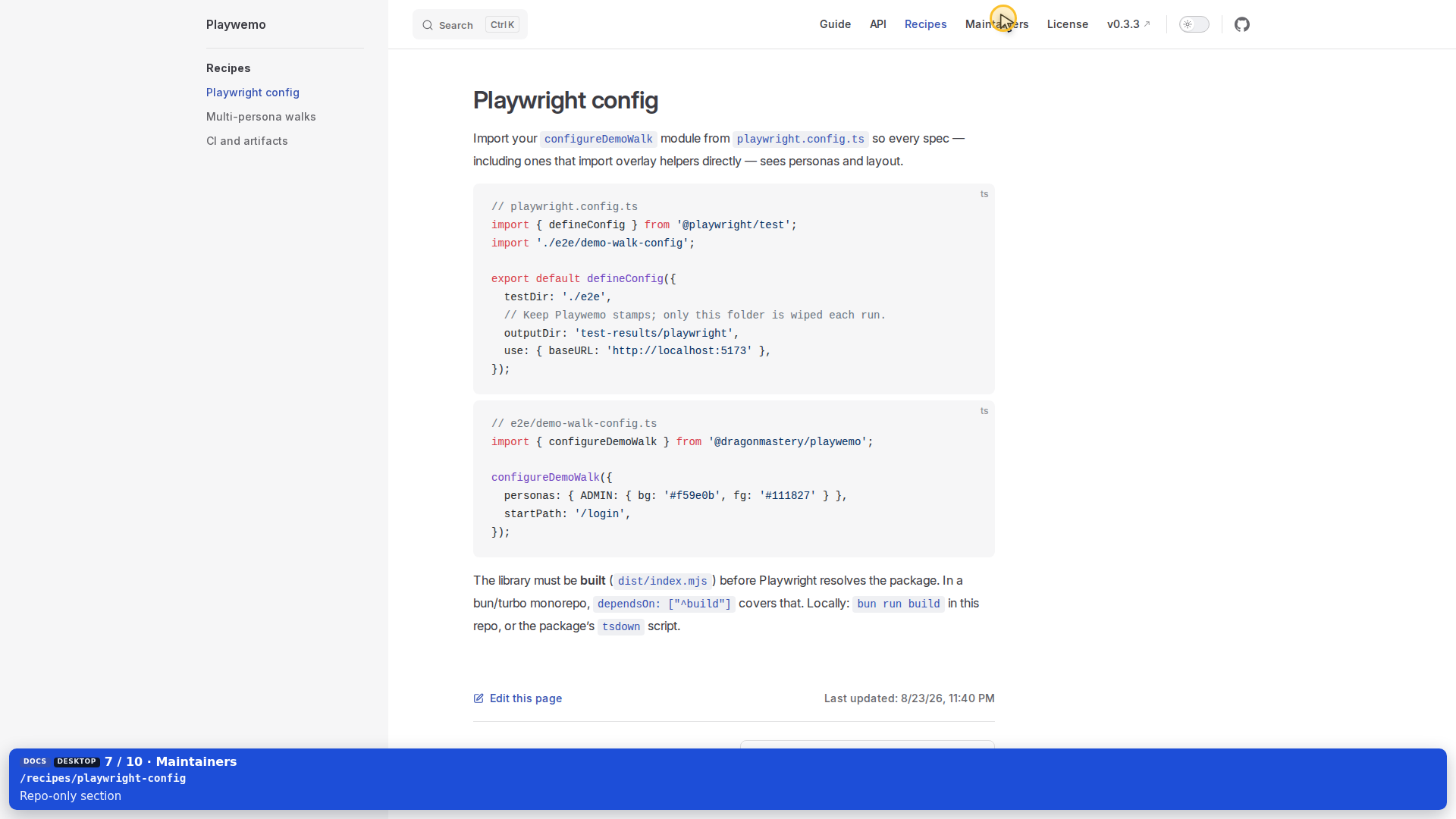
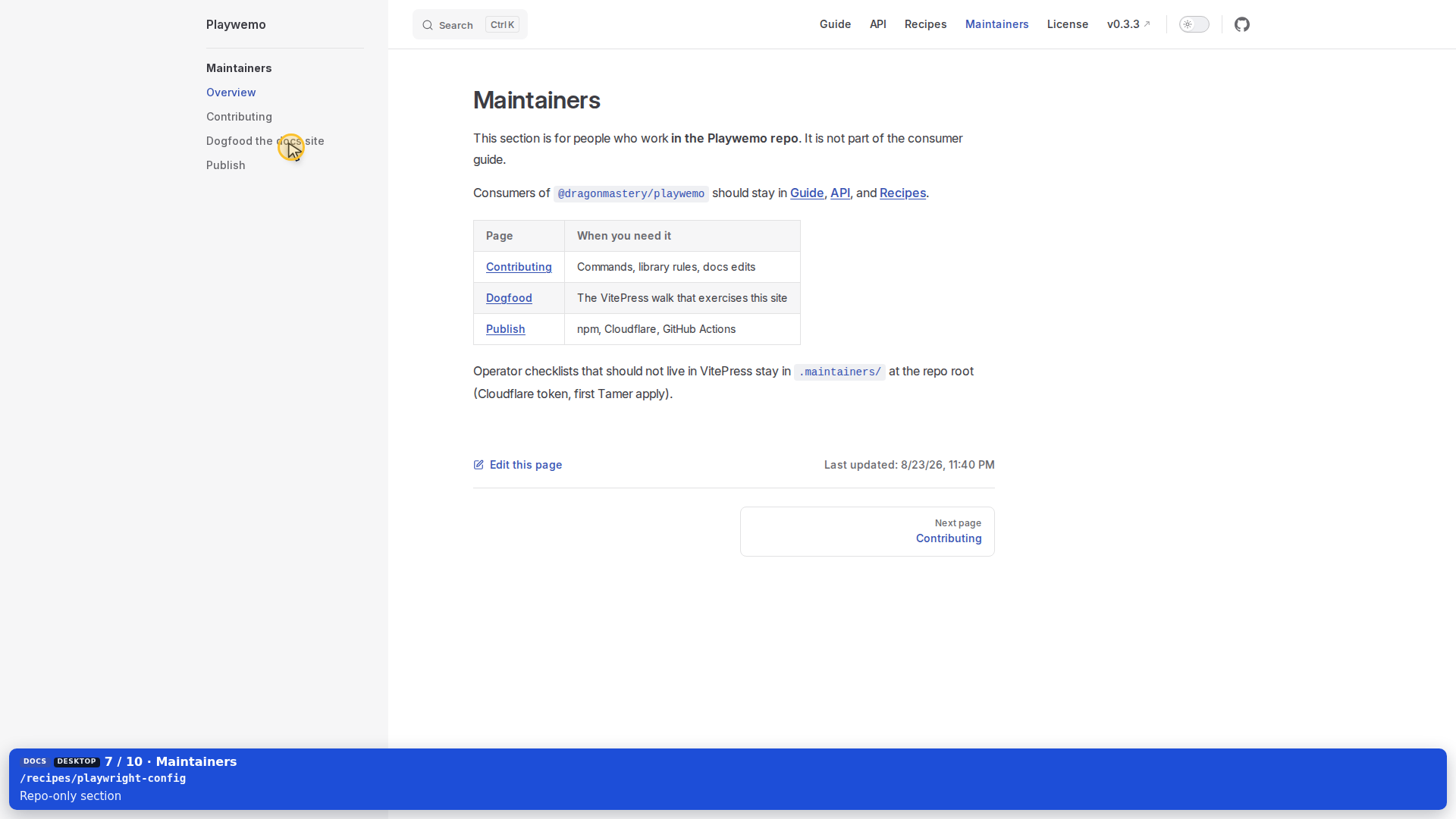
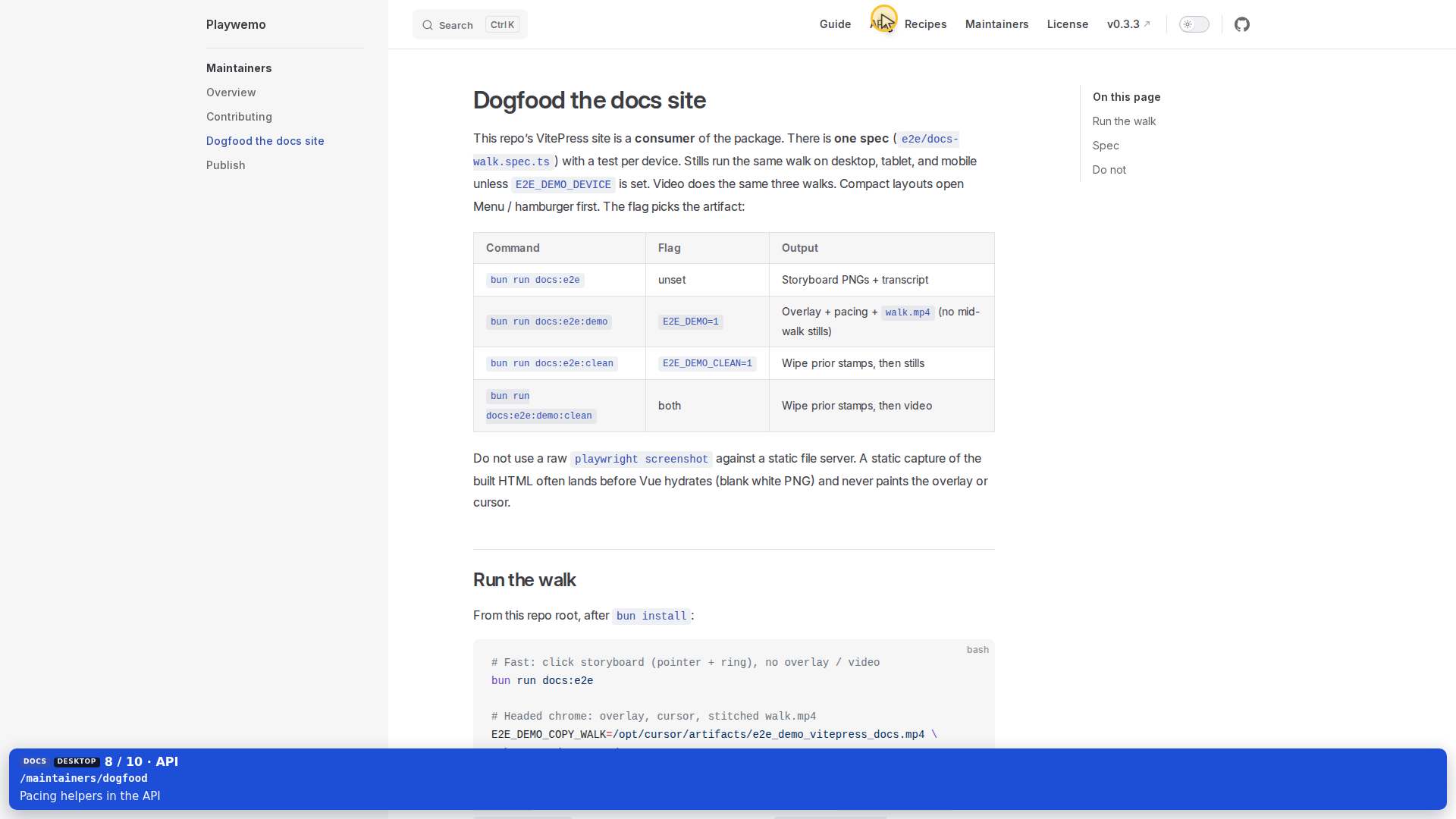
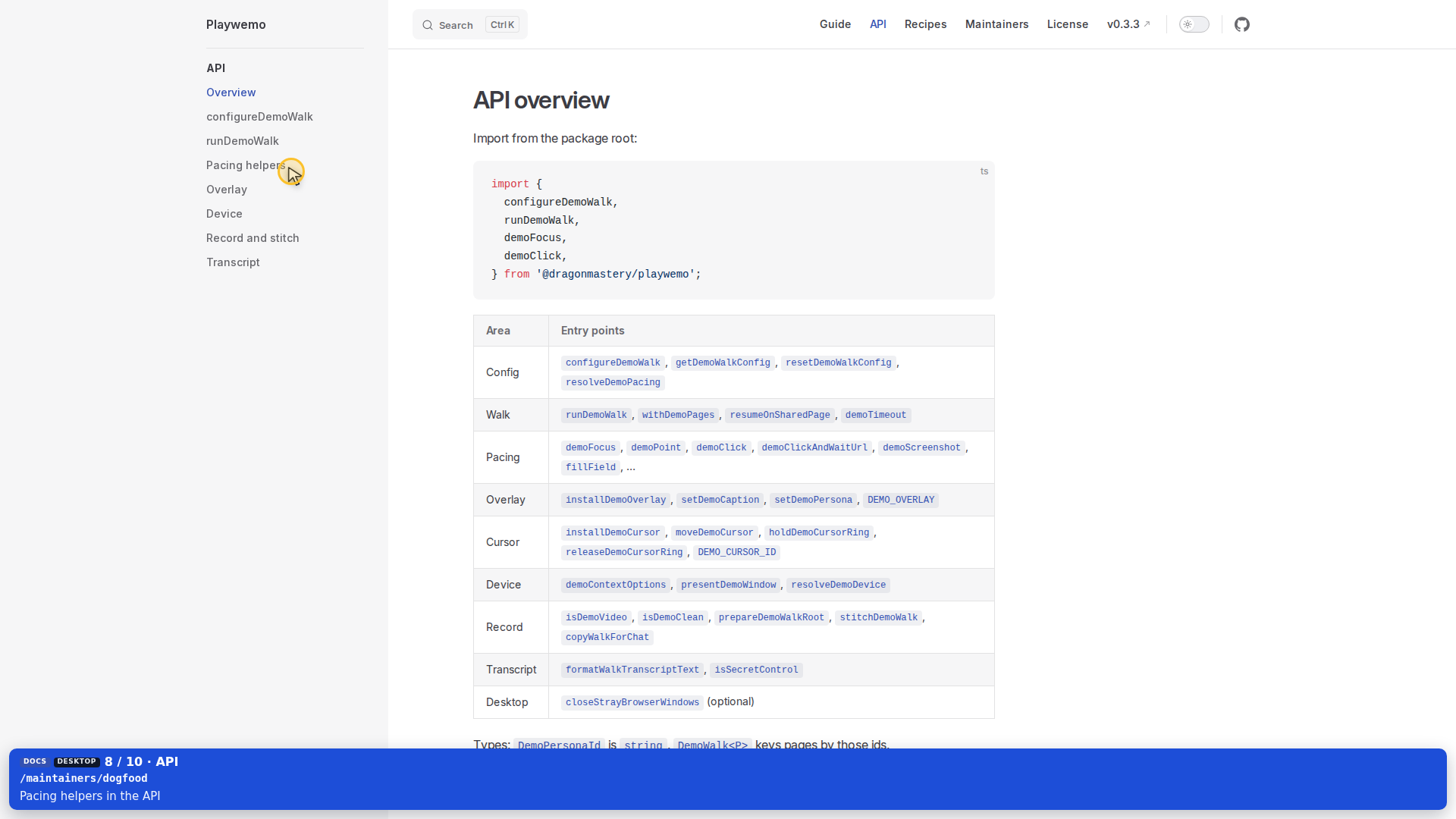
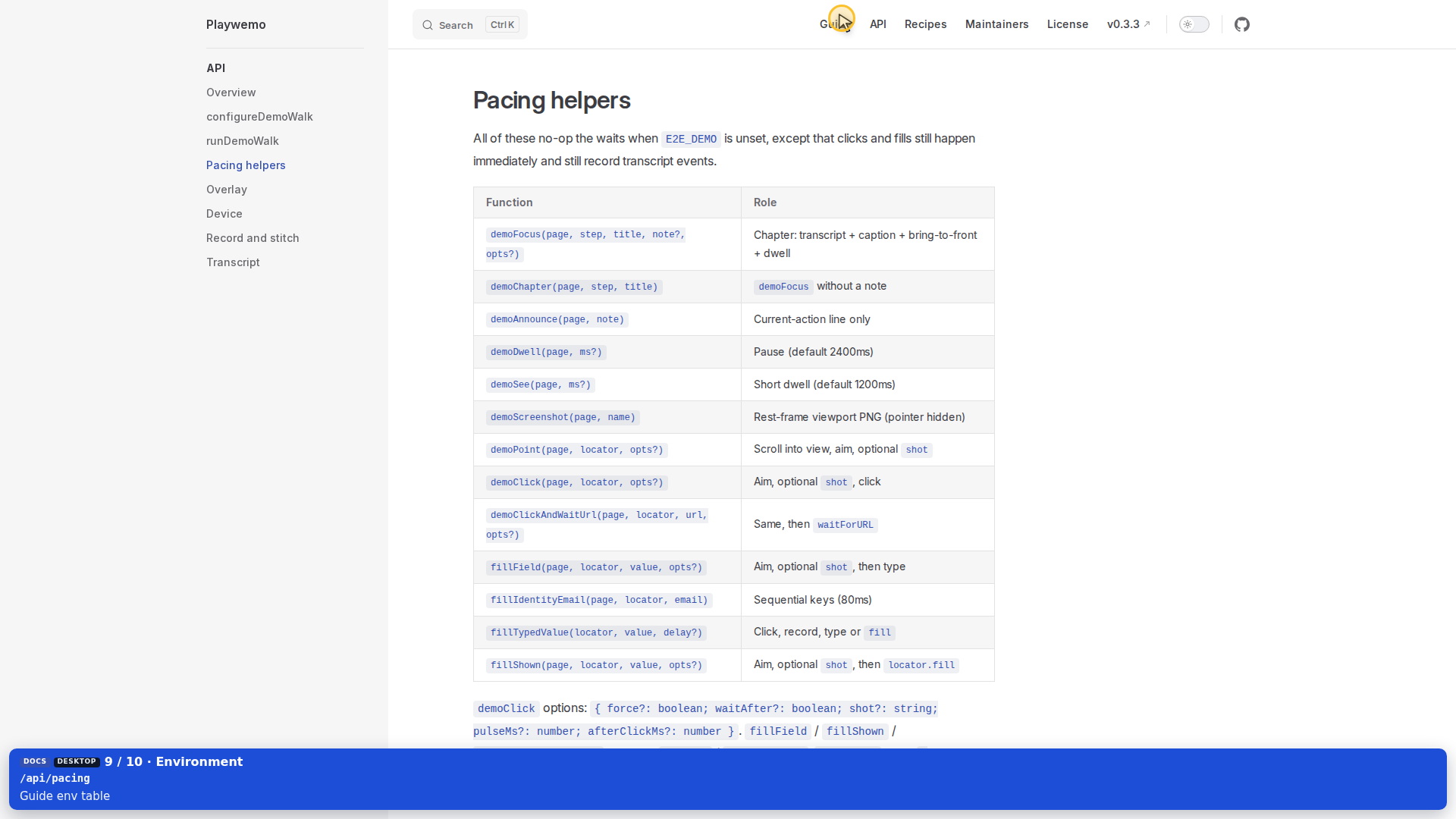
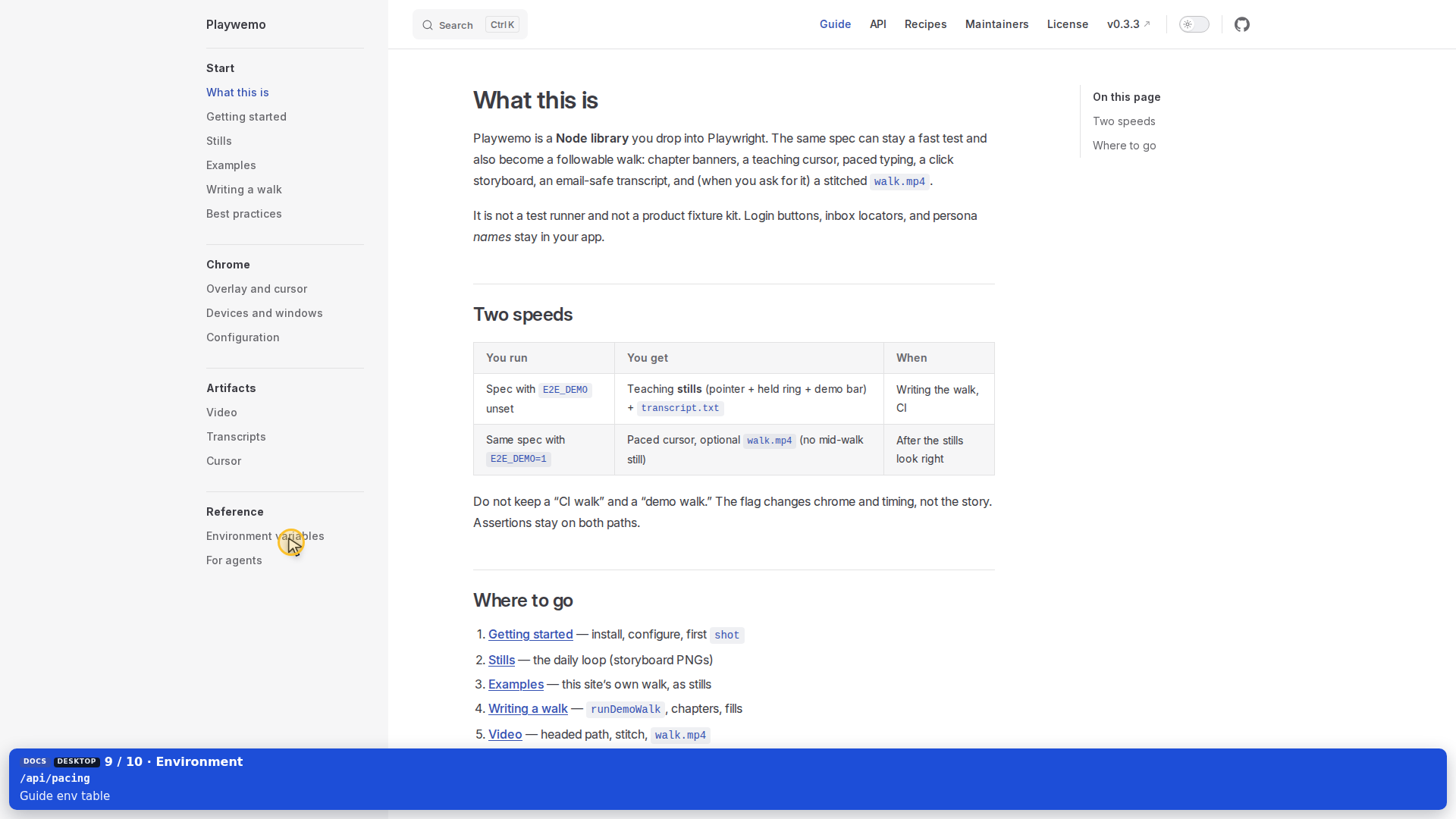
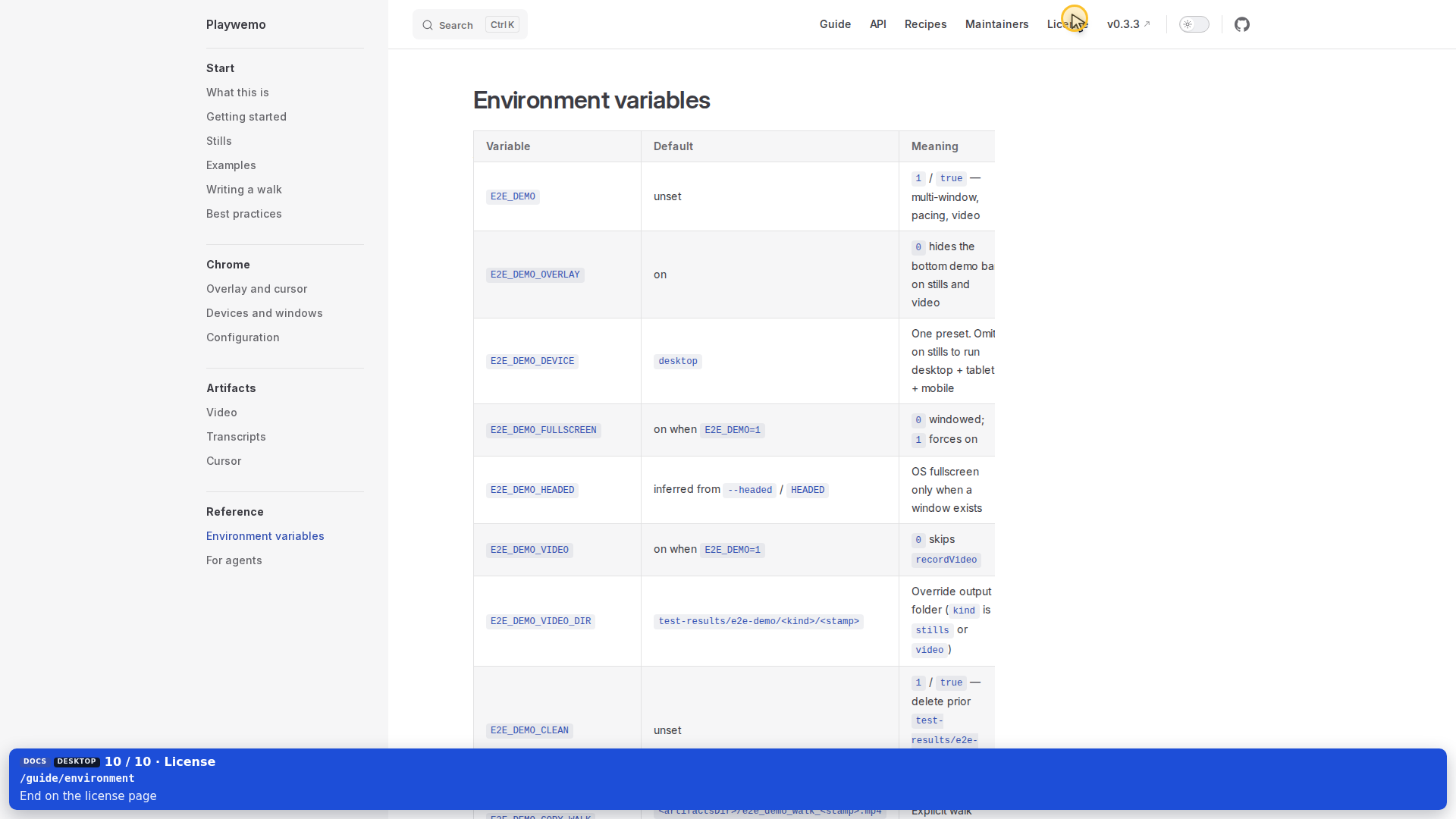
Each PNG is a shot: pointer on the control, gold ring held, before the click, with the demo bar. E2E_DEMO_OVERLAY=0 hides the bar.

Home → Get started
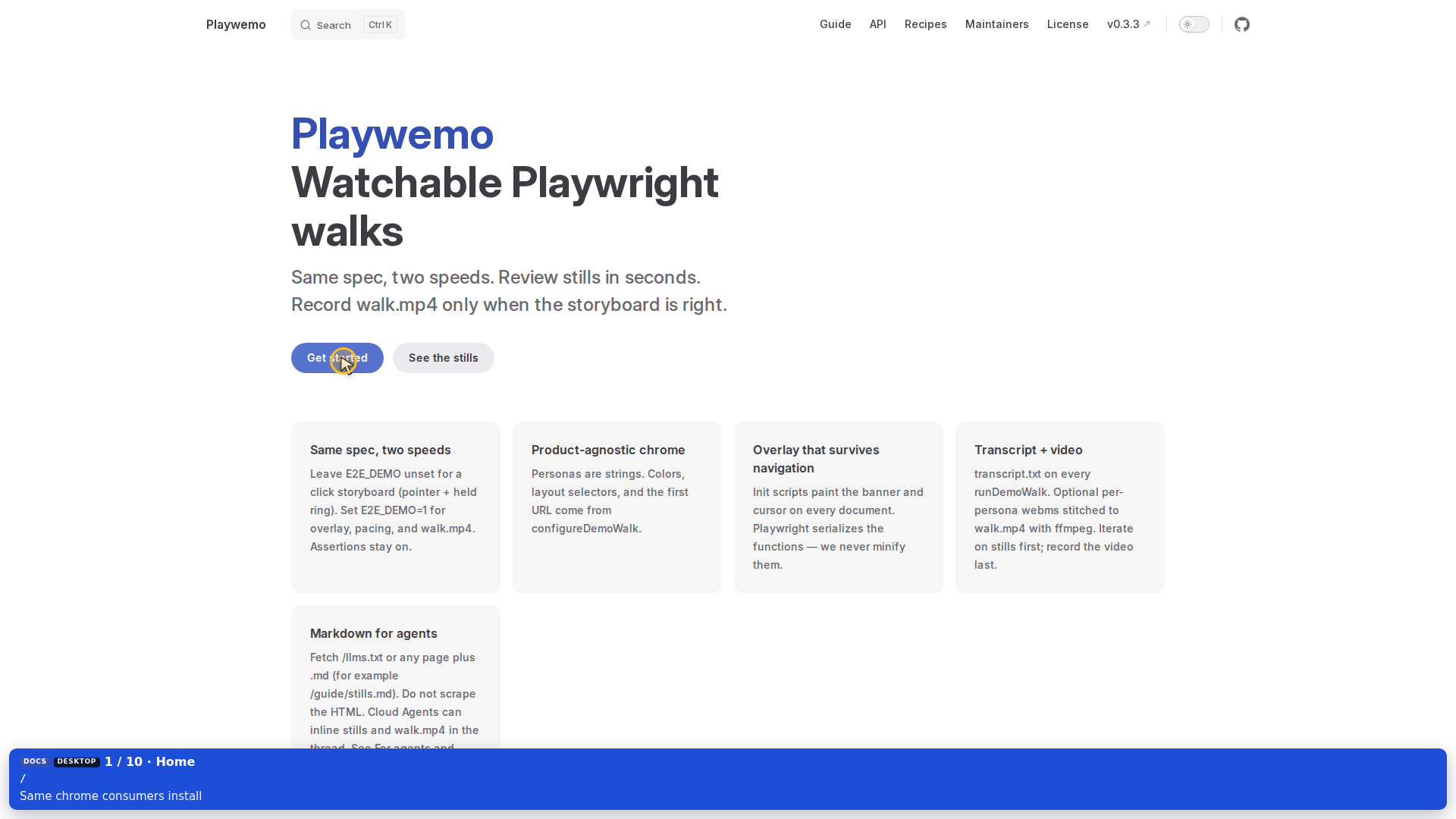
Pointer on Get started

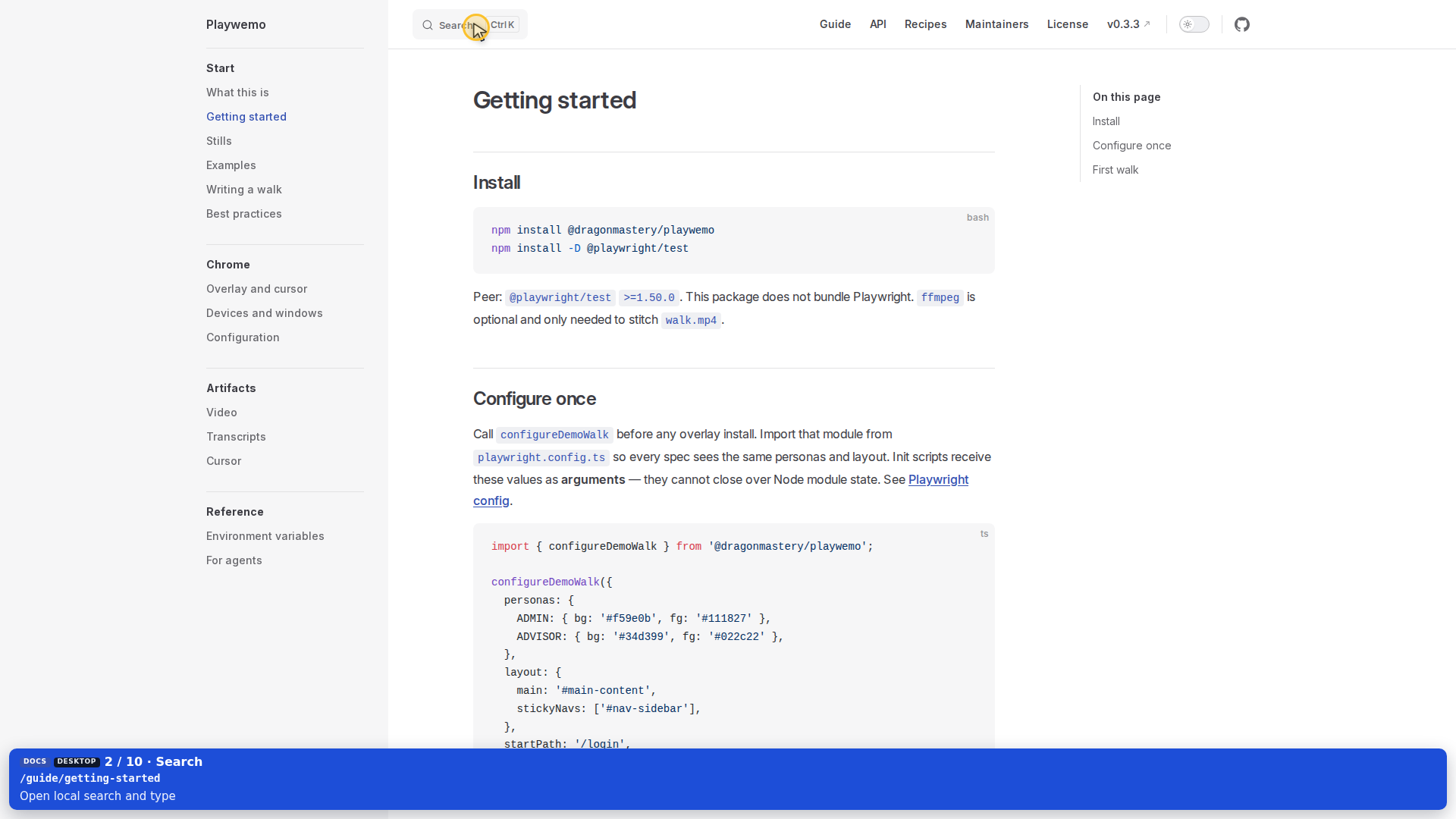
Pointer on Search

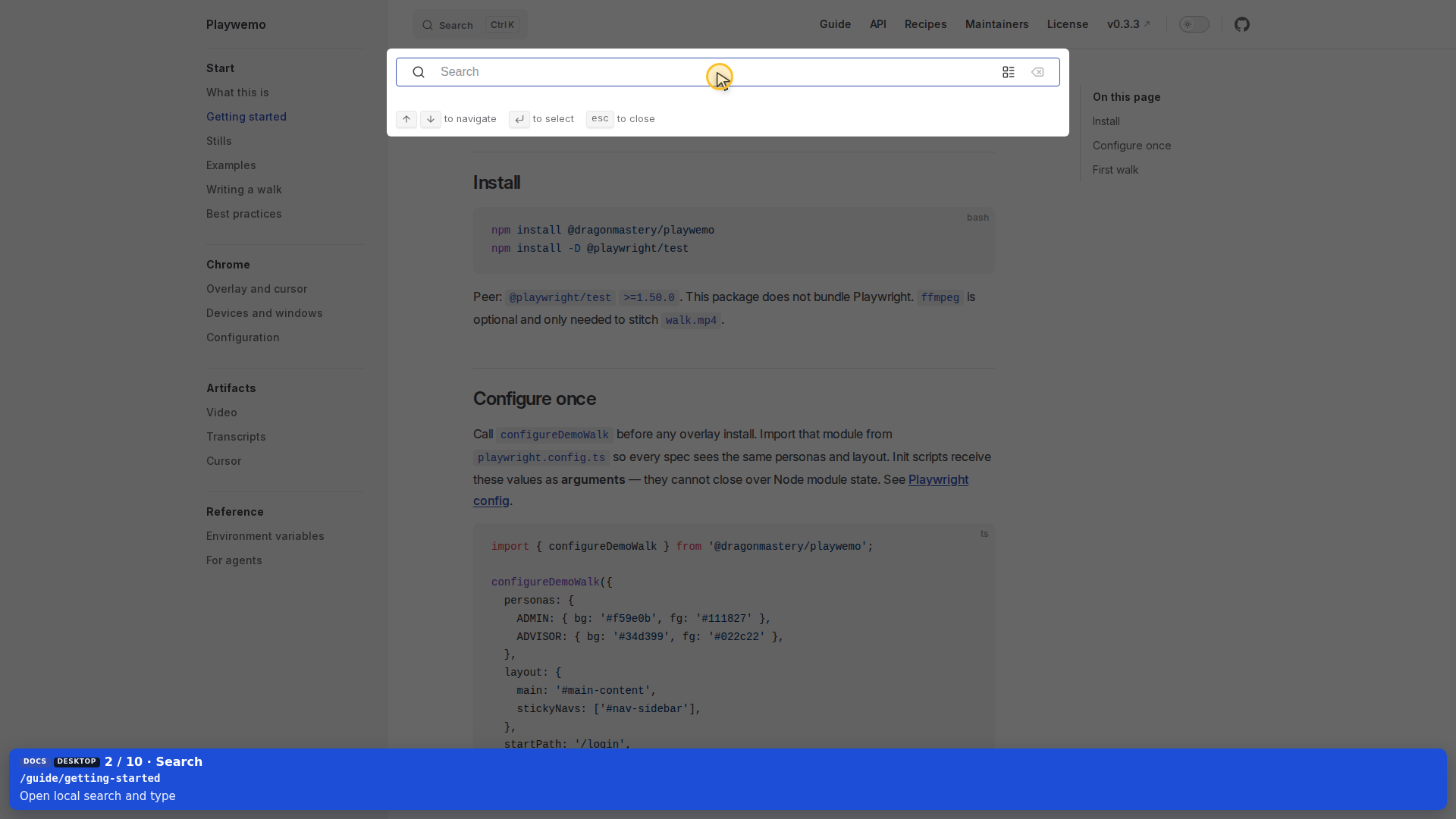
Typing overlay in search

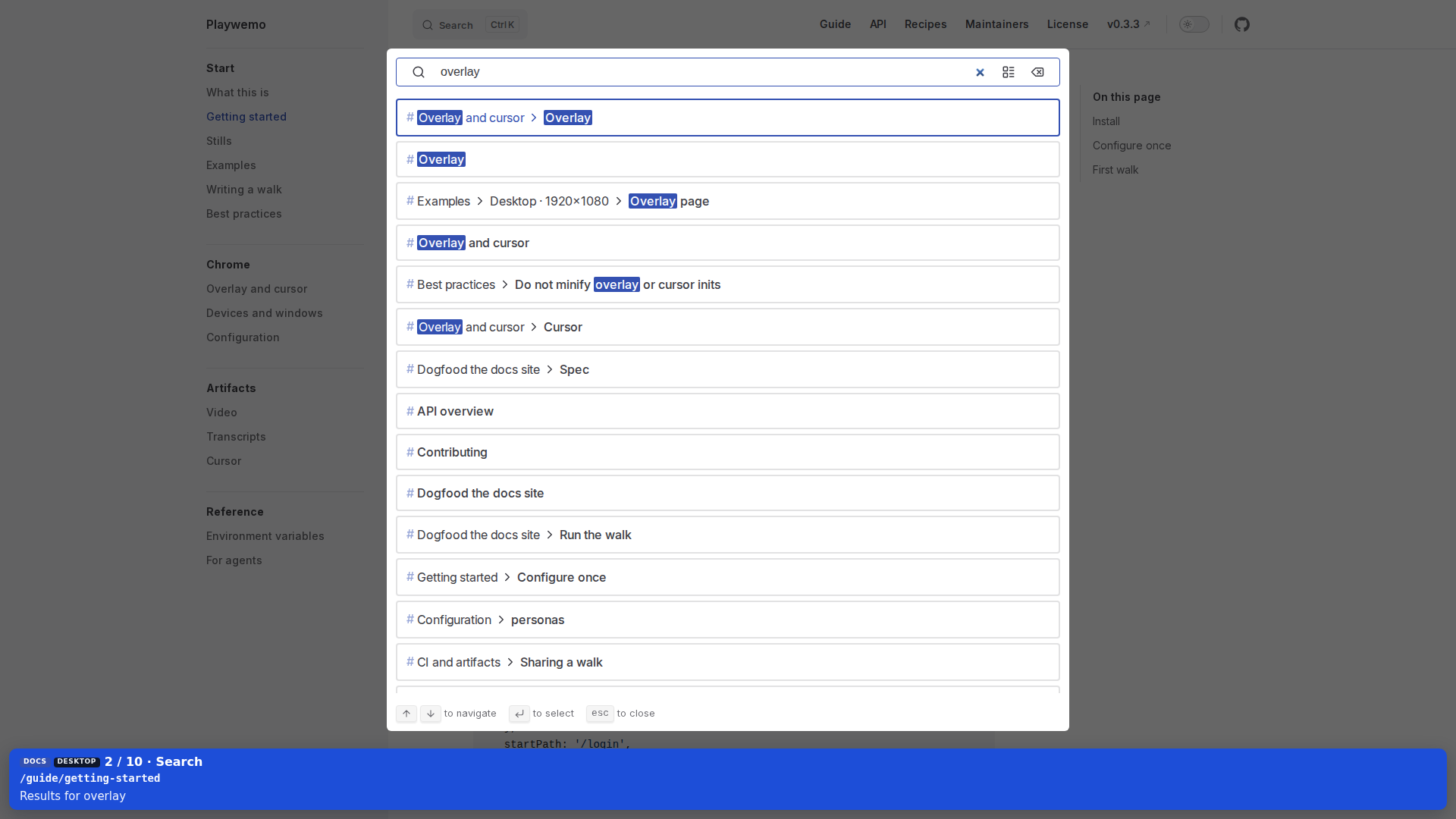
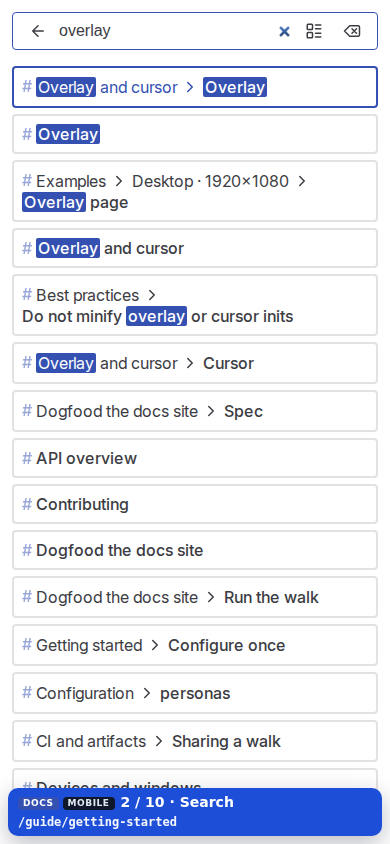
Search results for overlay

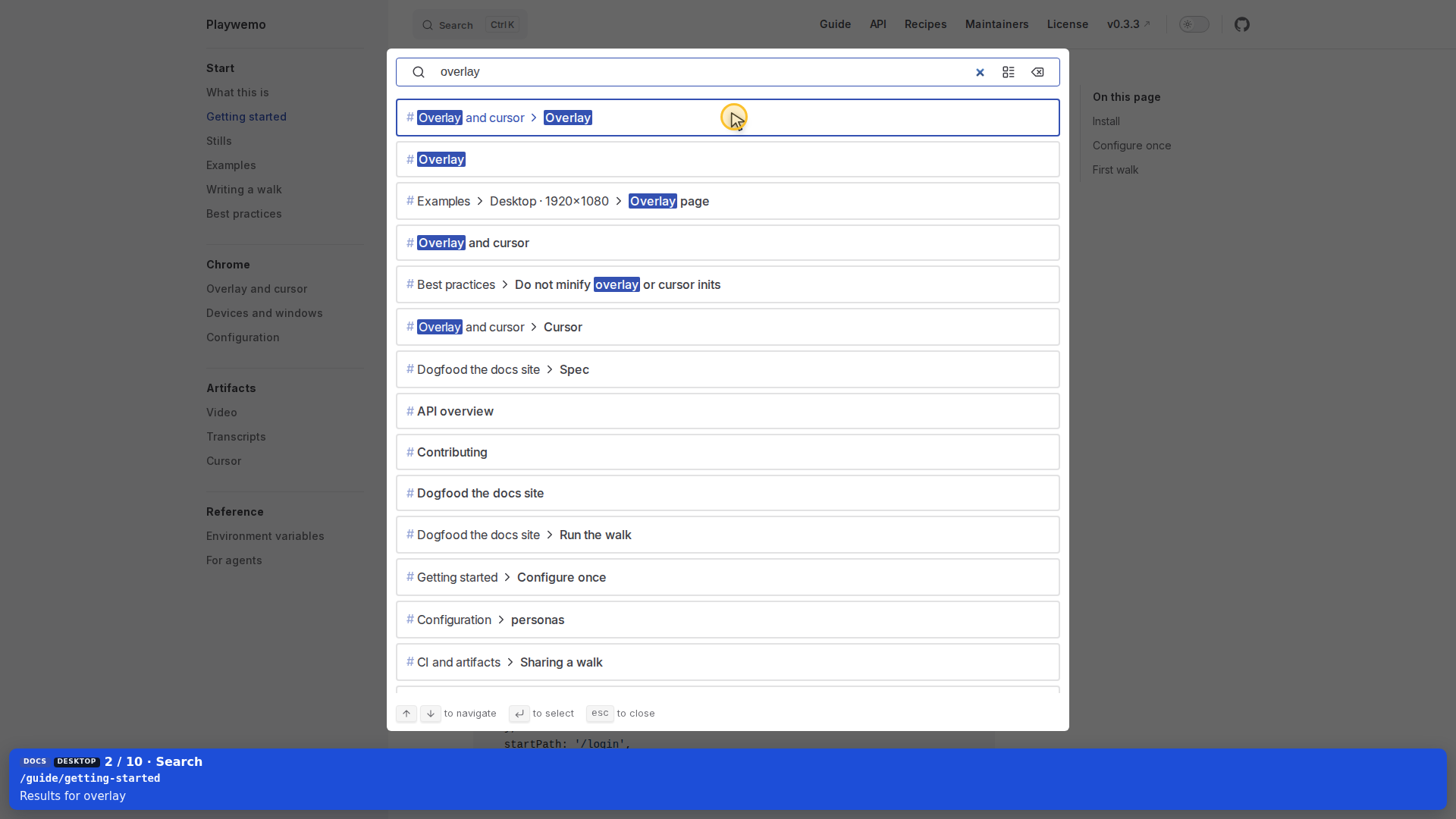
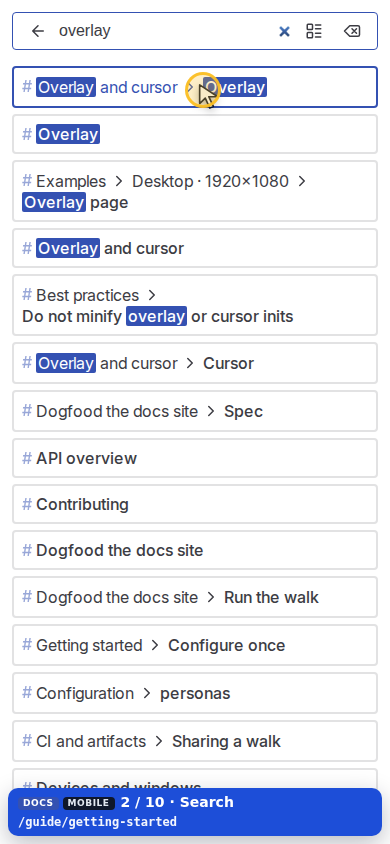
Pointer on Overlay and cursor

Overlay page

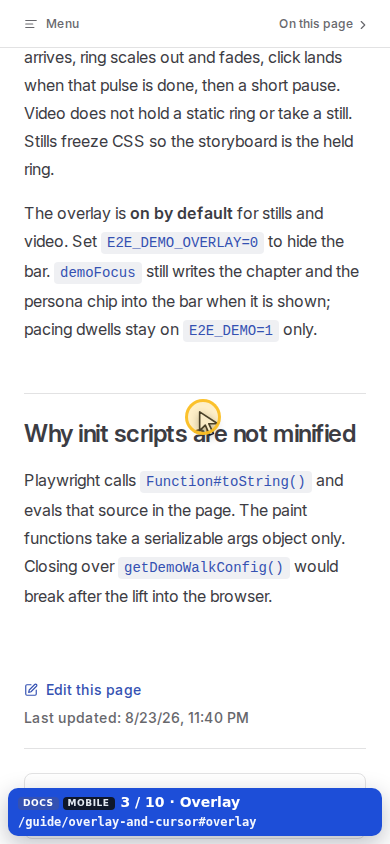
Pointer on the init-script heading

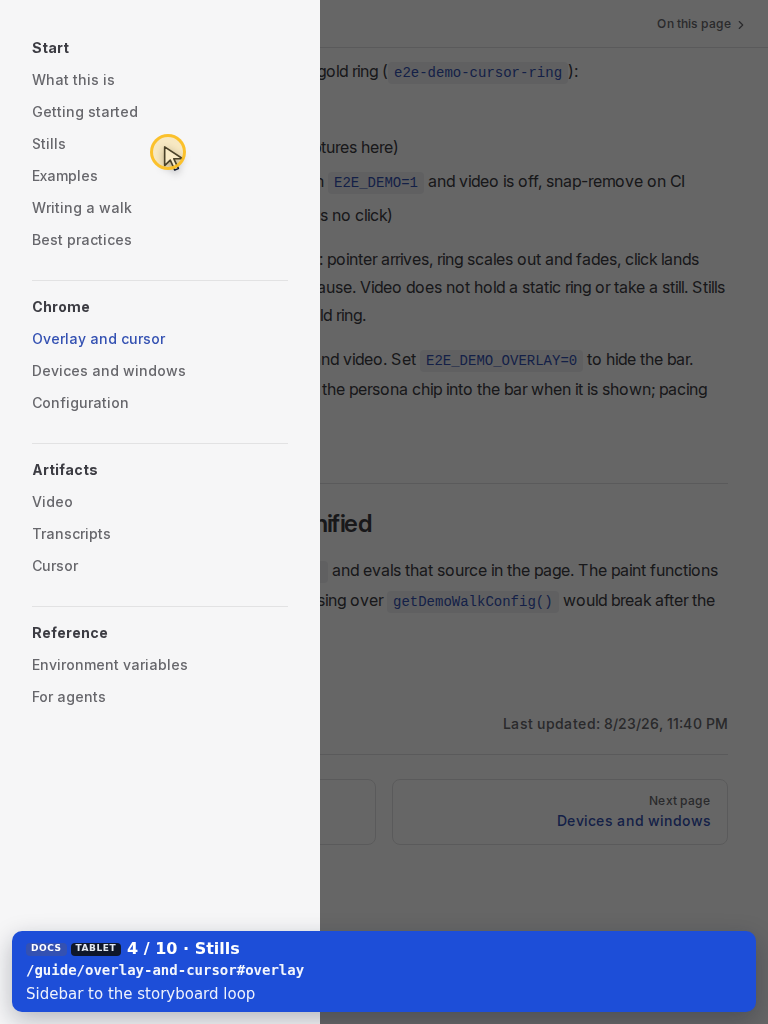
Guide sidebar

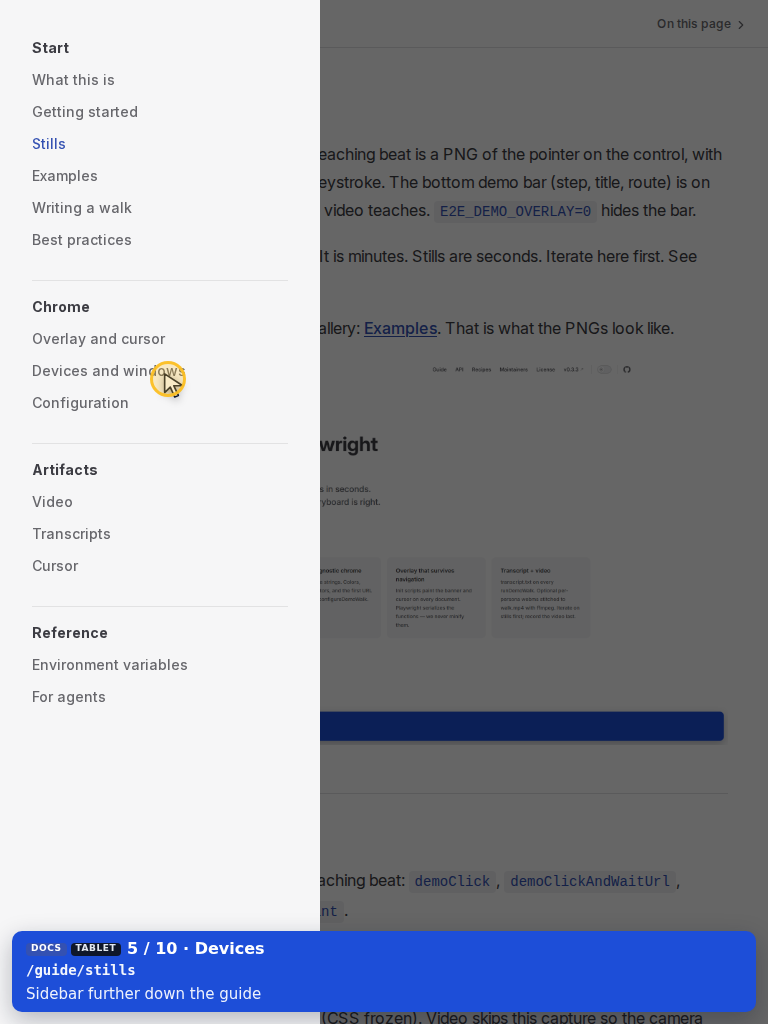
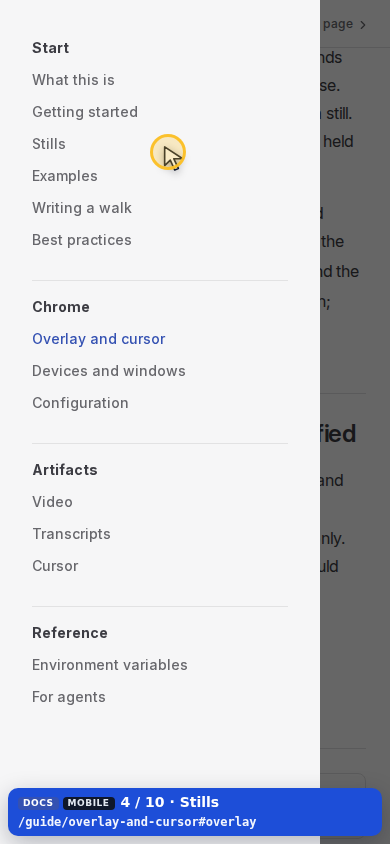
Pointer on Stills

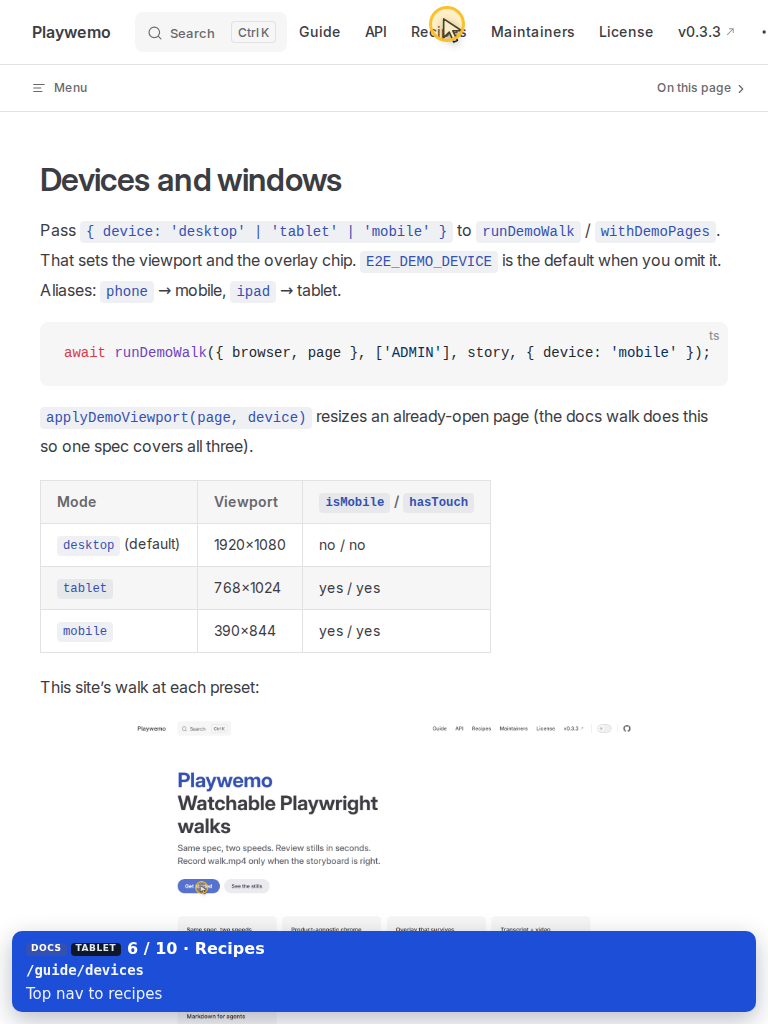
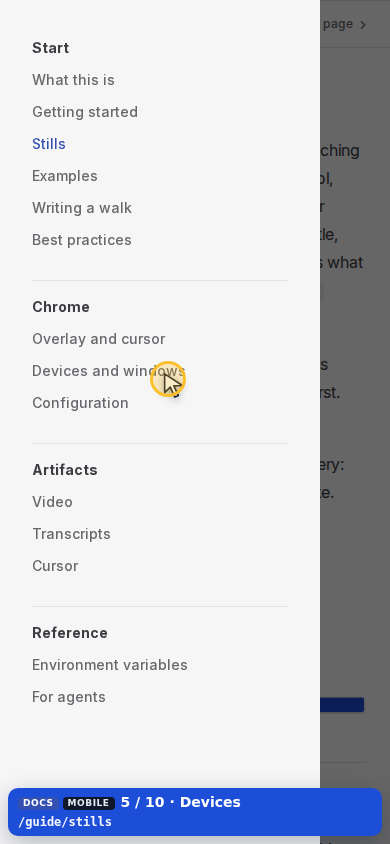
Pointer on Devices and windows

Top nav

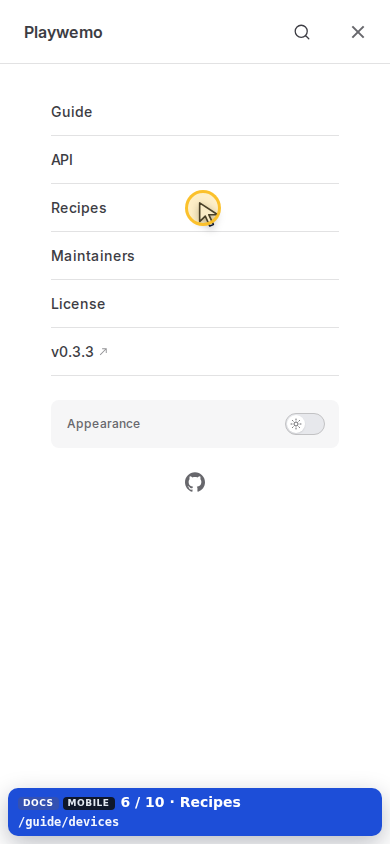
Pointer on Recipes

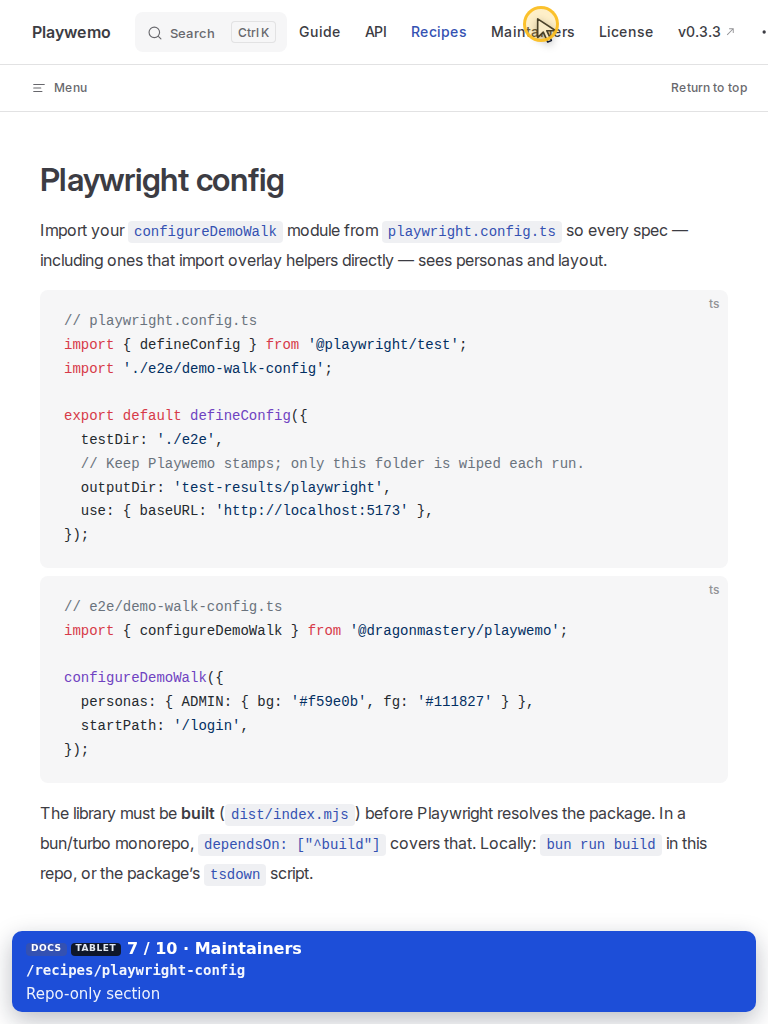
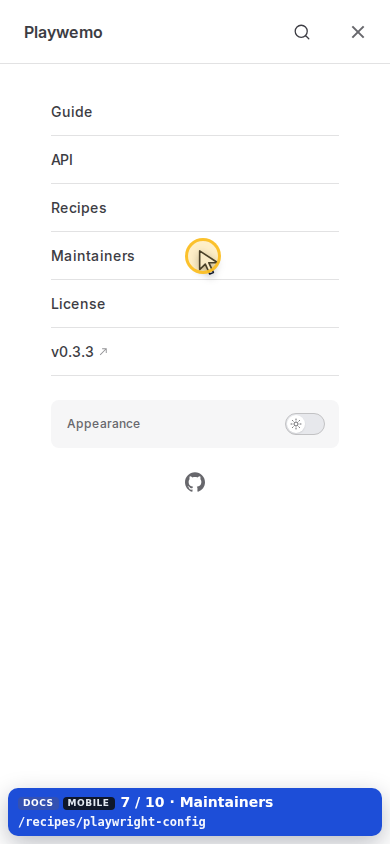
Pointer on Maintainers

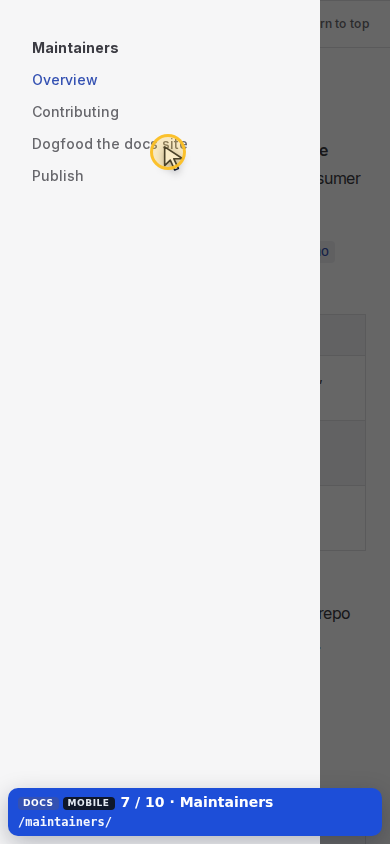
Pointer on Dogfood the docs site

Pointer on API

Pointer on Pacing helpers

Pointer on Guide

Pointer on Environment variables

Pointer on License

Tablet · 768×1024

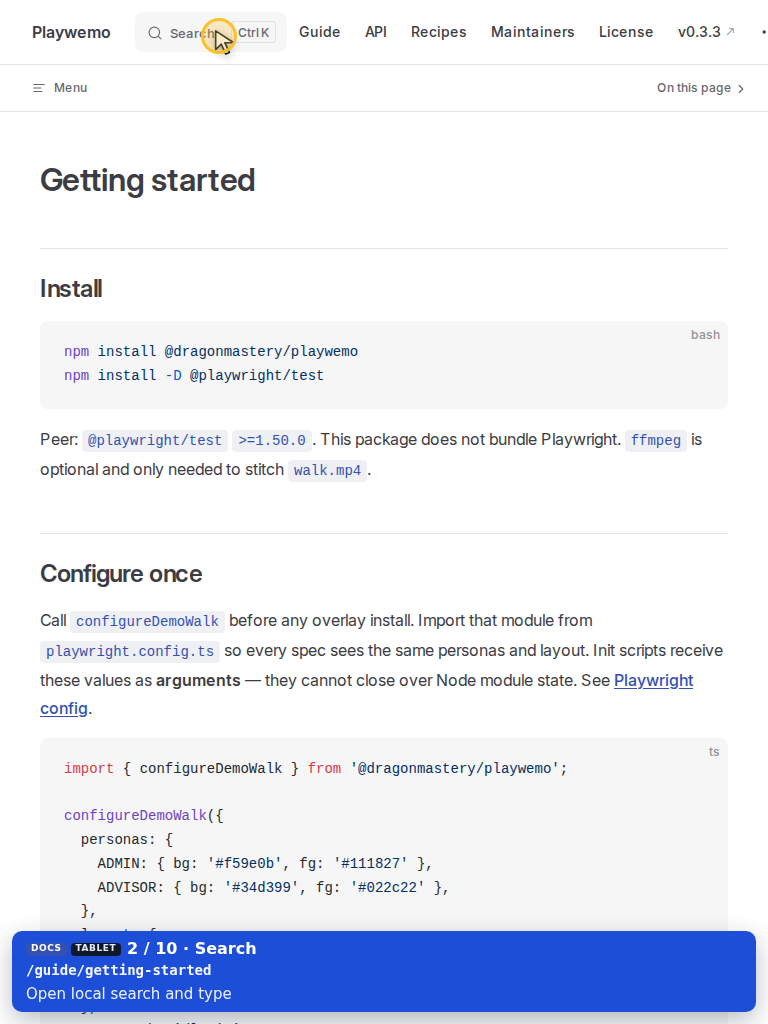
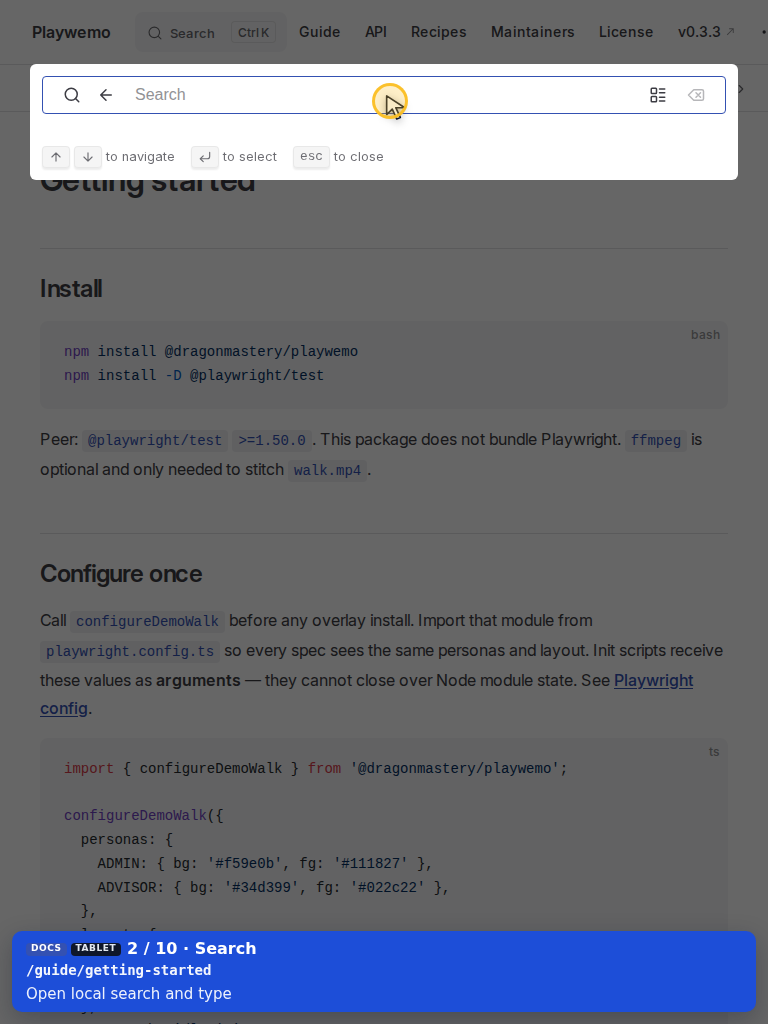
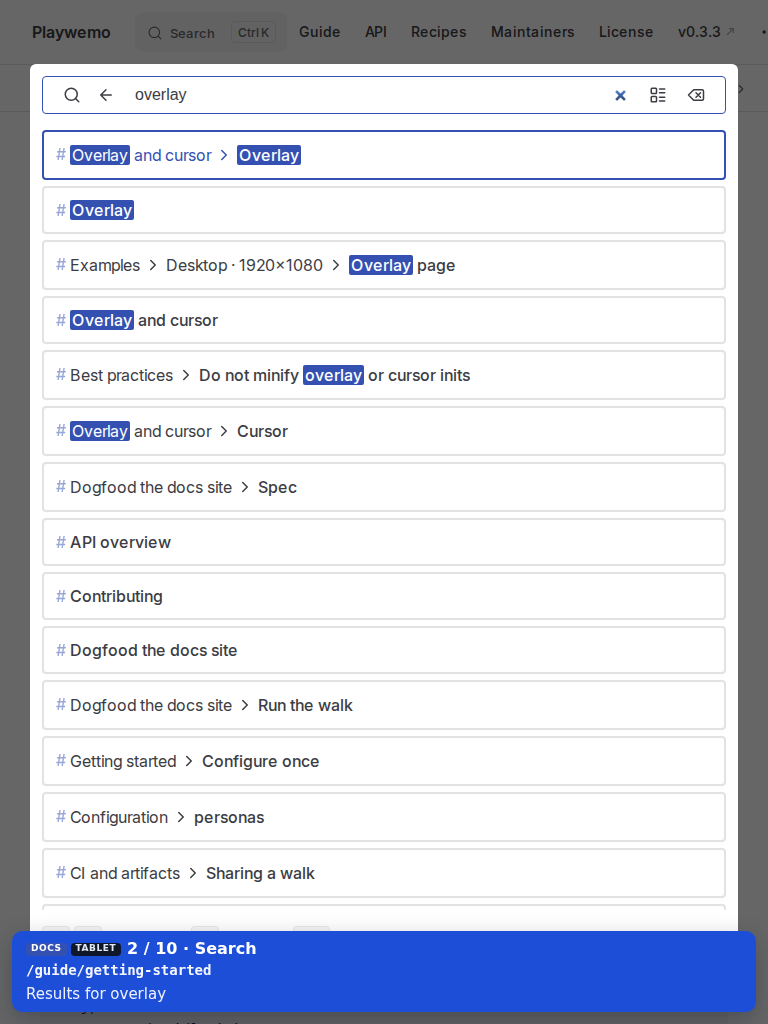
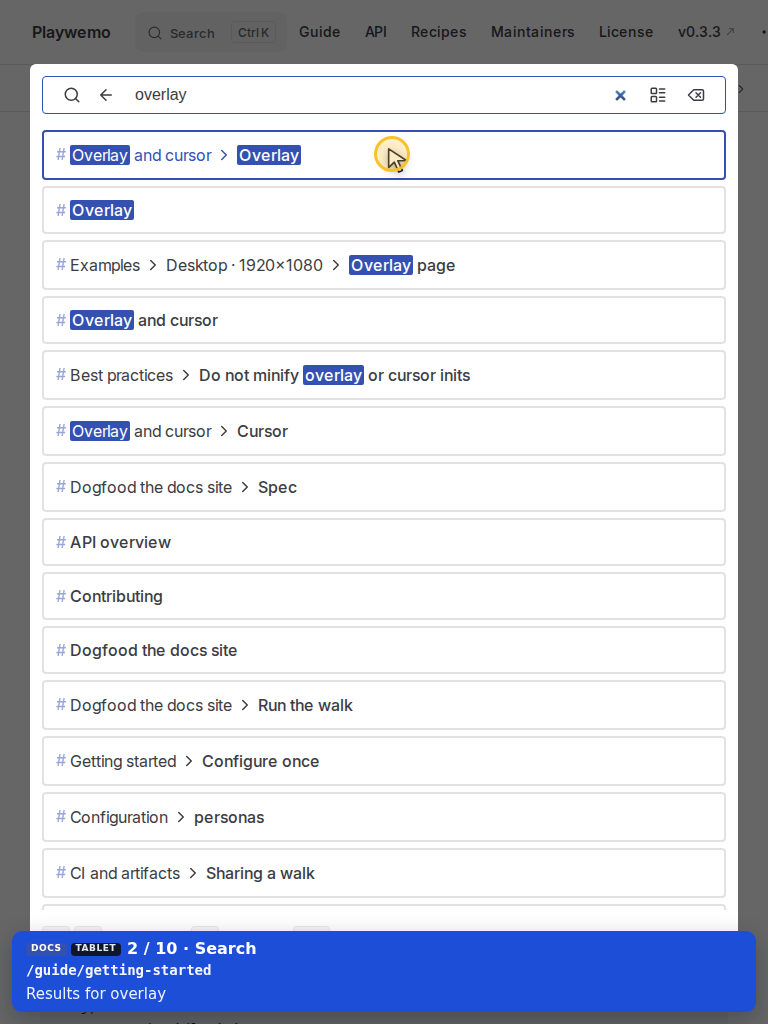
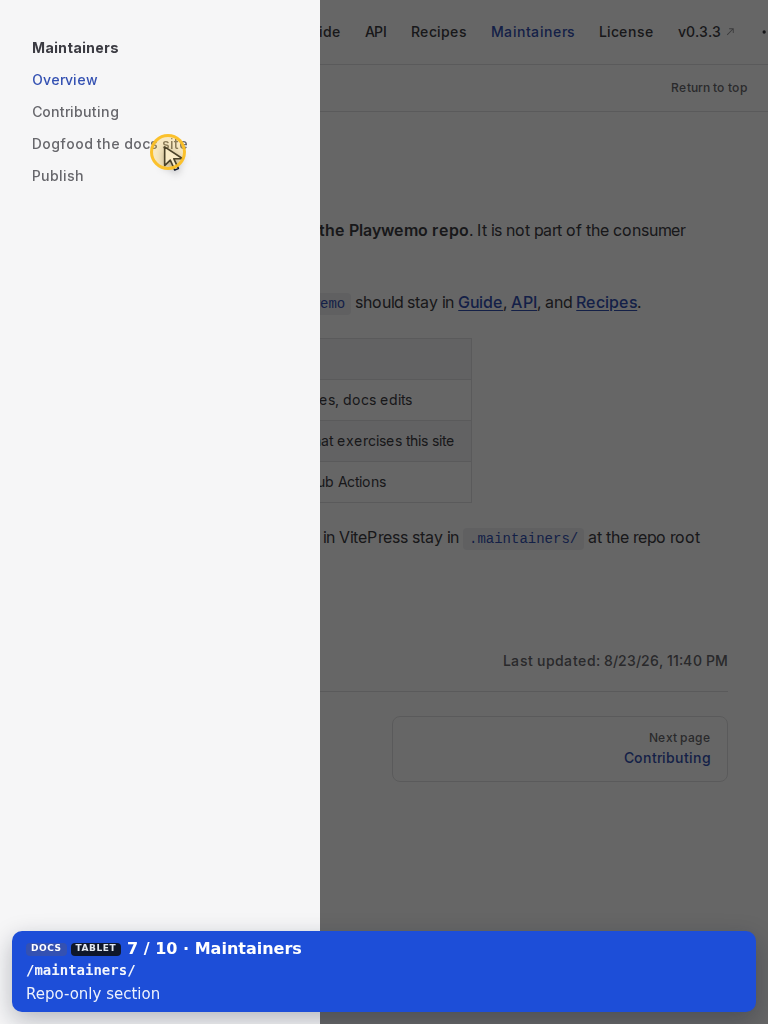
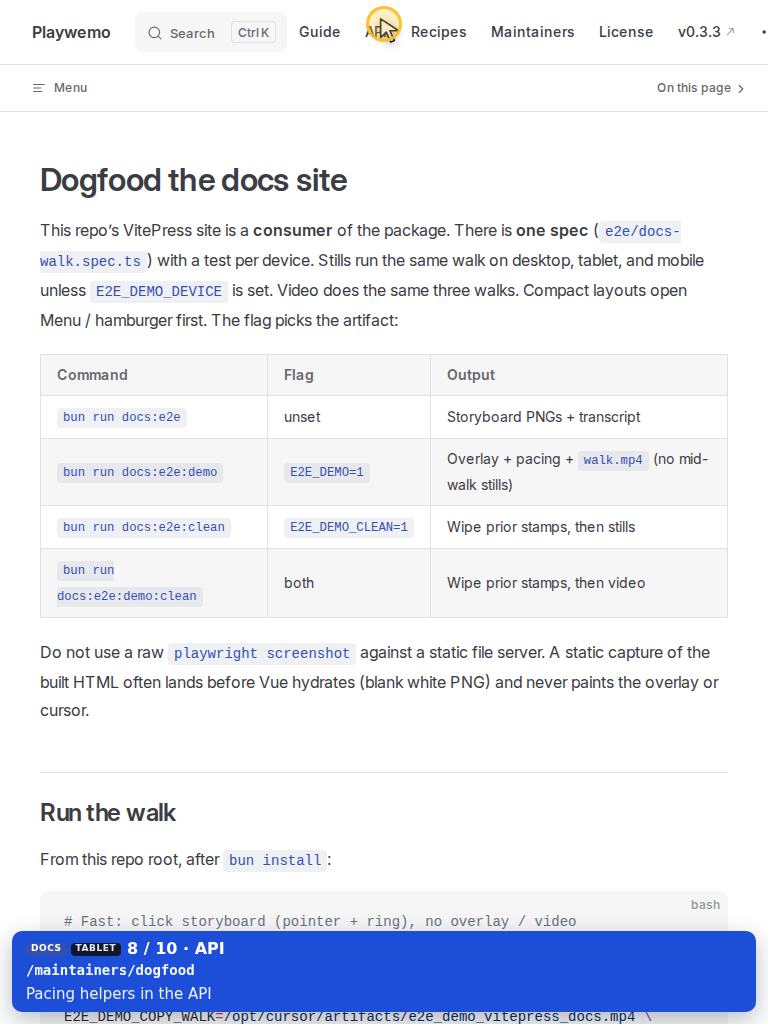
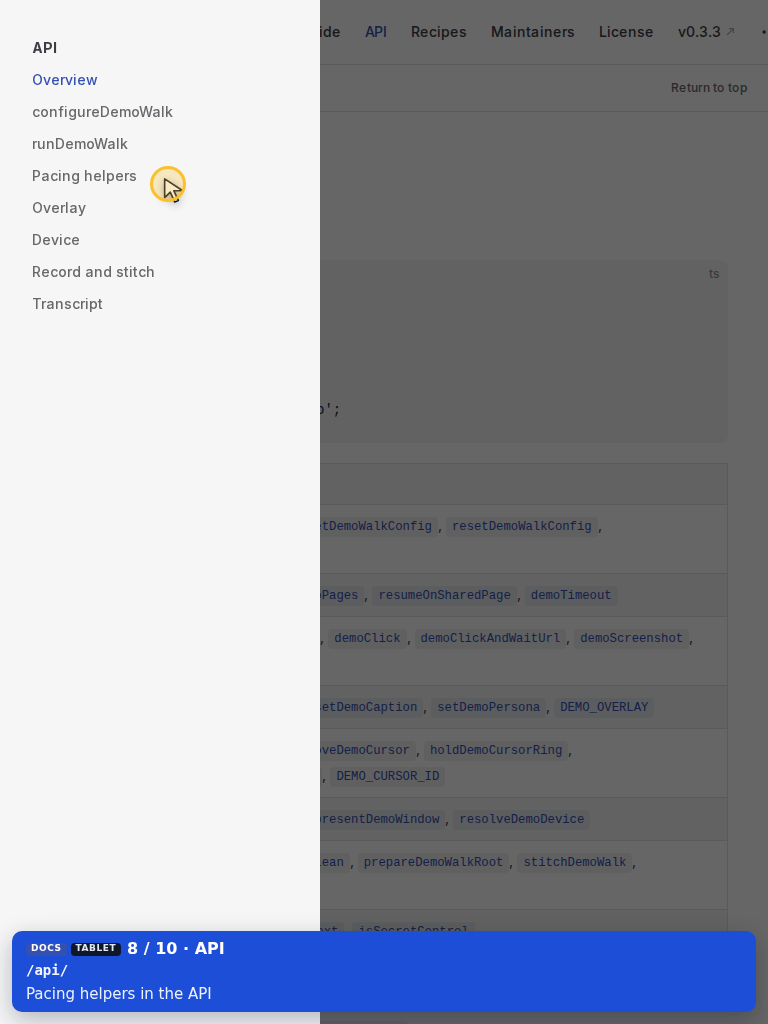
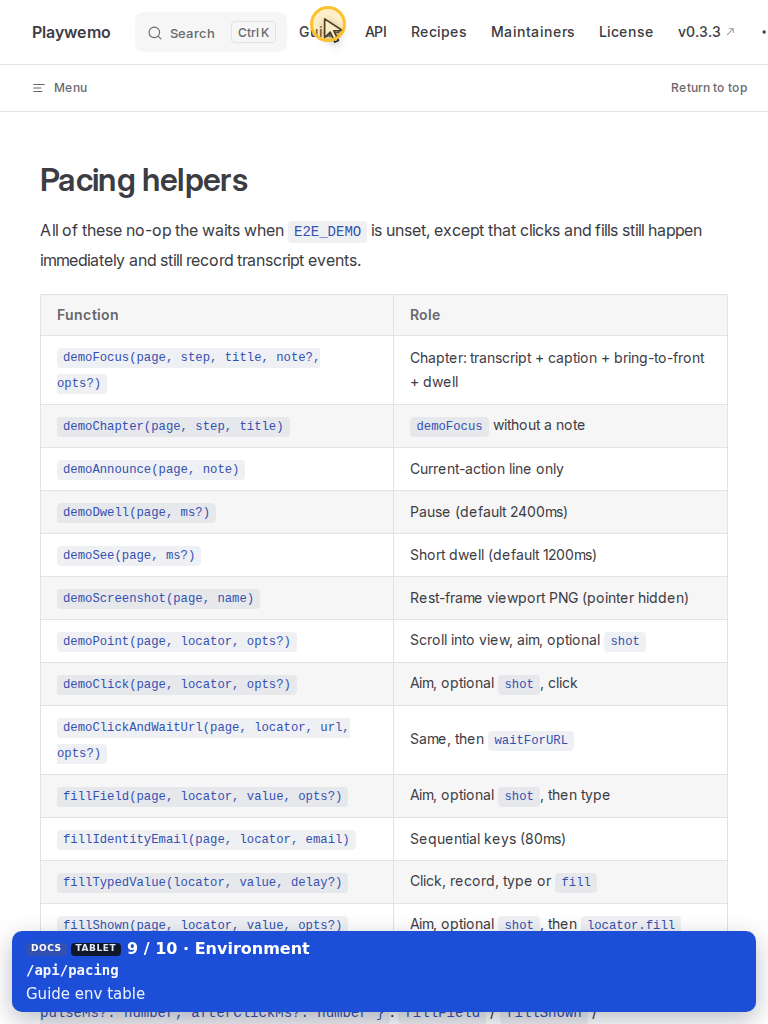
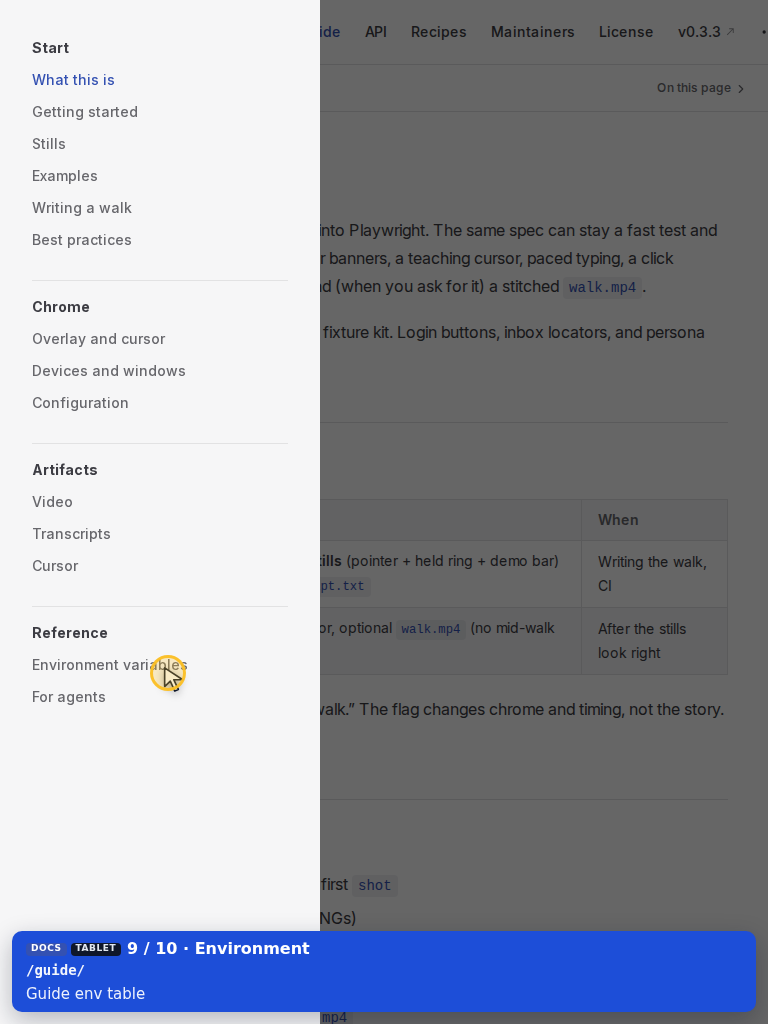
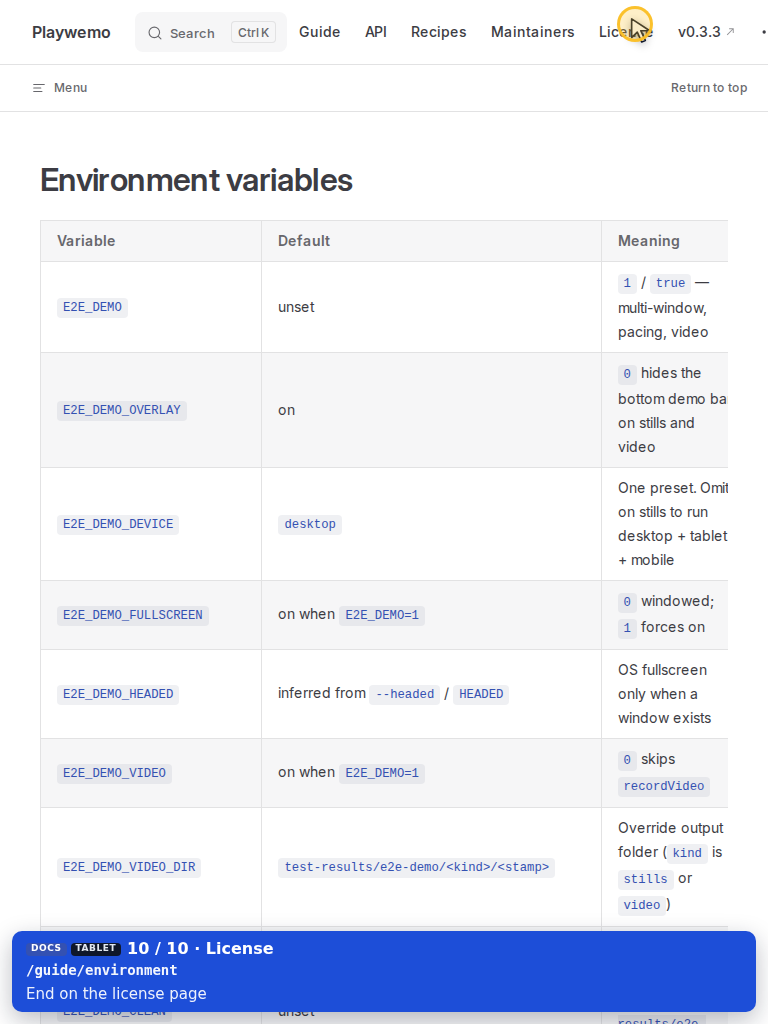
Same steps as desktop. Compact chrome opens Menu / hamburger first.
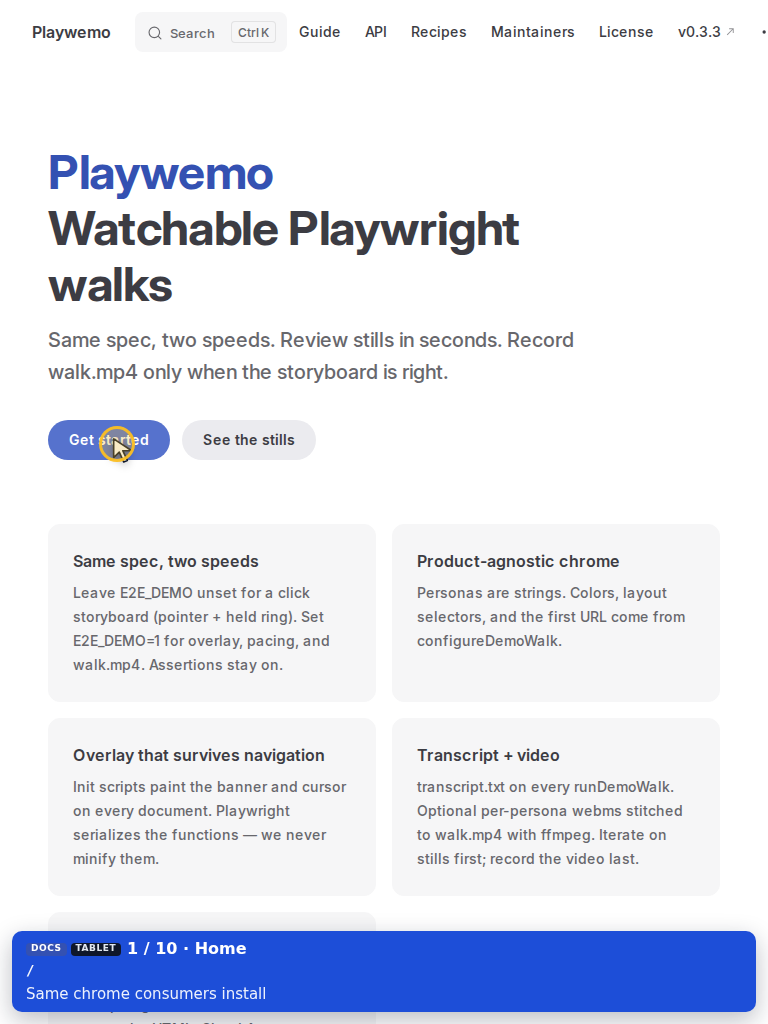
Tablet — Get started

Tablet — Search

Tablet — Type search

Tablet — Search results

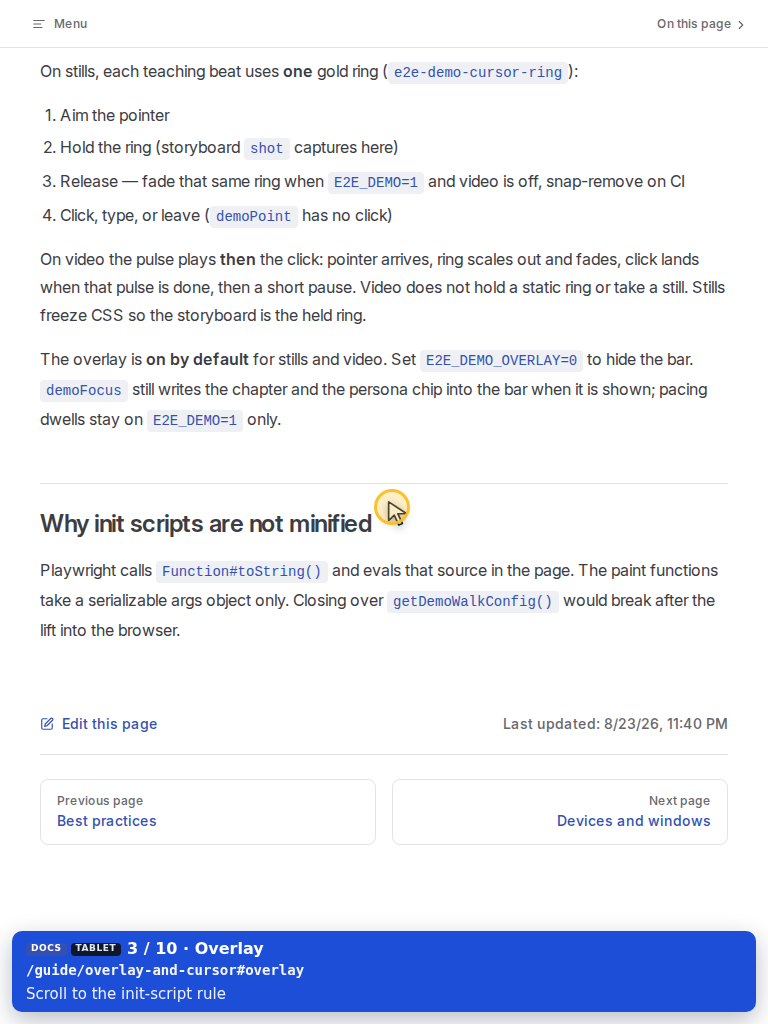
Tablet — Overlay result

Tablet — Init scripts

Tablet — Stills

Tablet — Devices

Tablet — Recipes

Tablet — Maintainers

Tablet — Dogfood

Tablet — API

Tablet — Pacing

Tablet — Guide

Tablet — Environment

Tablet — License

Mobile · 390×844

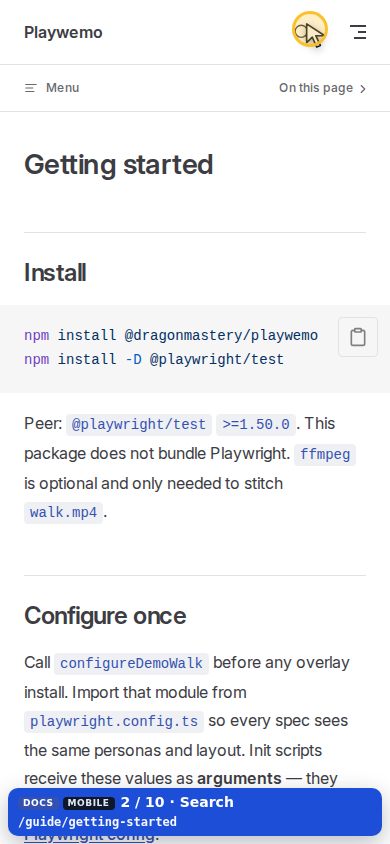
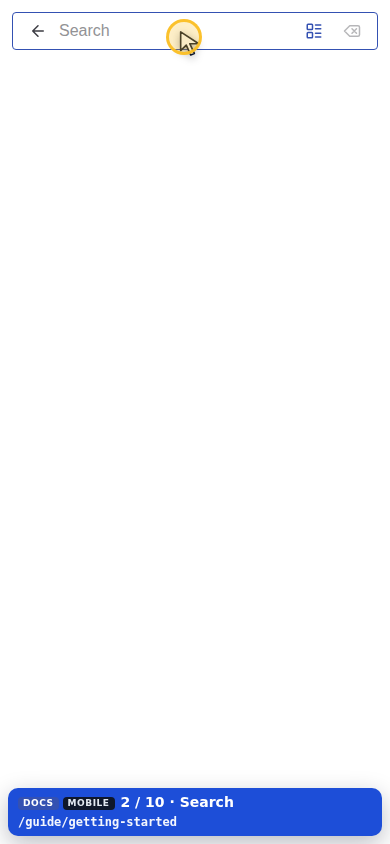
Same steps. Narrow HUD (8px inset, no note line).
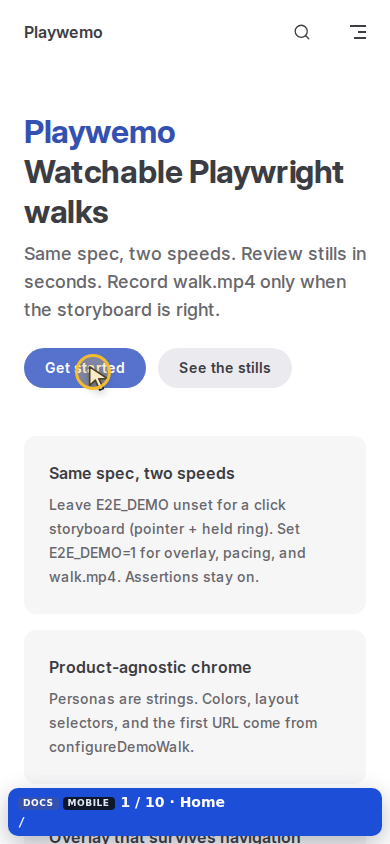
Mobile — Get started

Mobile — Search

Mobile — Type search

Mobile — Search results

Mobile — Overlay result

Mobile — Init scripts

Mobile — Stills

Mobile — Devices

Mobile — Recipes

Mobile — Maintainers

Mobile — Dogfood

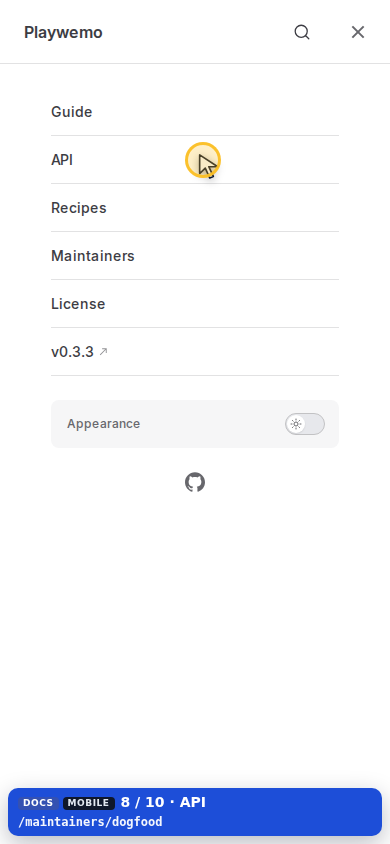
Mobile — API

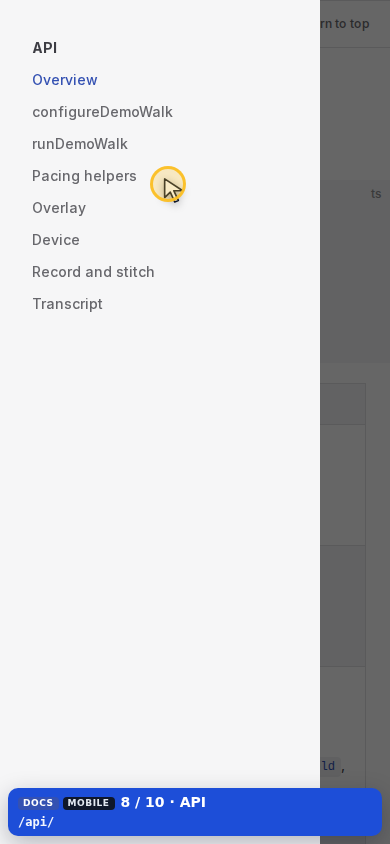
Mobile — Pacing

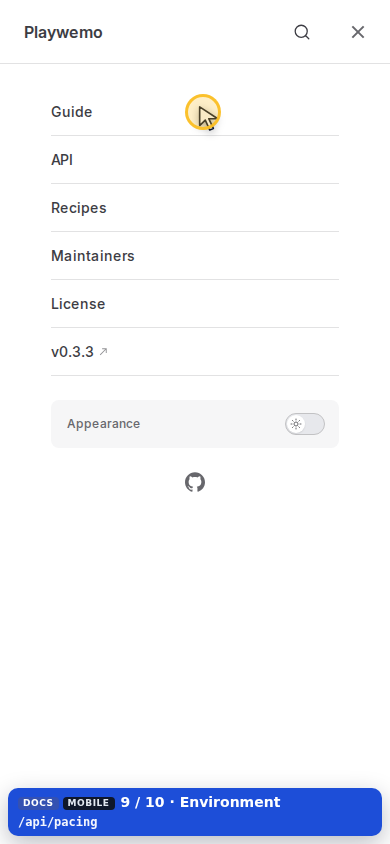
Mobile — Guide

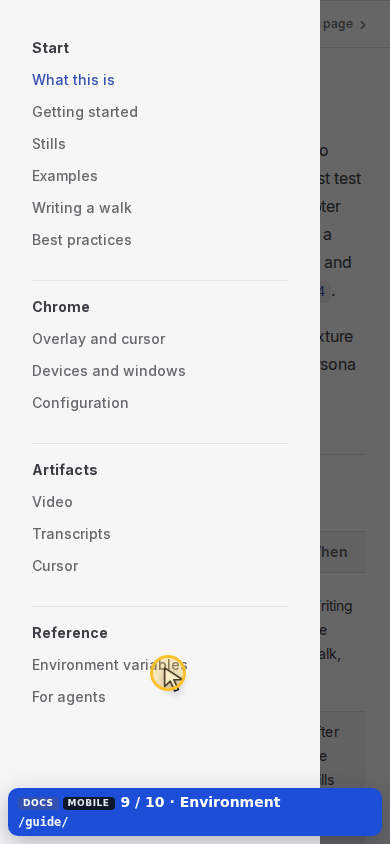
Mobile — Environment

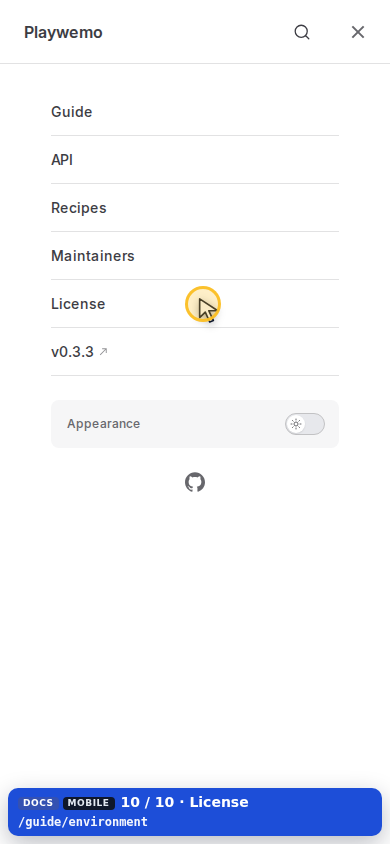
Mobile — License

Plain-text handout from the stills run (desktop, tablet, and mobile): transcript.txt.

Released under the MIT License.