Devices and windows
Pass { device: 'desktop' | 'tablet' | 'mobile' } to runDemoWalk / withDemoPages. That sets the viewport and the overlay chip. E2E_DEMO_DEVICE is the default when you omit it. Aliases: phone → mobile, ipad → tablet.
await runDemoWalk({ browser, page }, ['ADMIN'], story, { device: 'mobile' });applyDemoViewport(page, device) resizes an already-open page (the docs walk does this so one spec covers all three).
| Mode | Viewport | isMobile / hasTouch |
|---|---|---|
desktop (default) | 1920×1080 | no / no |
tablet | 768×1024 | yes / yes |
mobile | 390×844 | yes / yes |
This site’s walk at each preset:
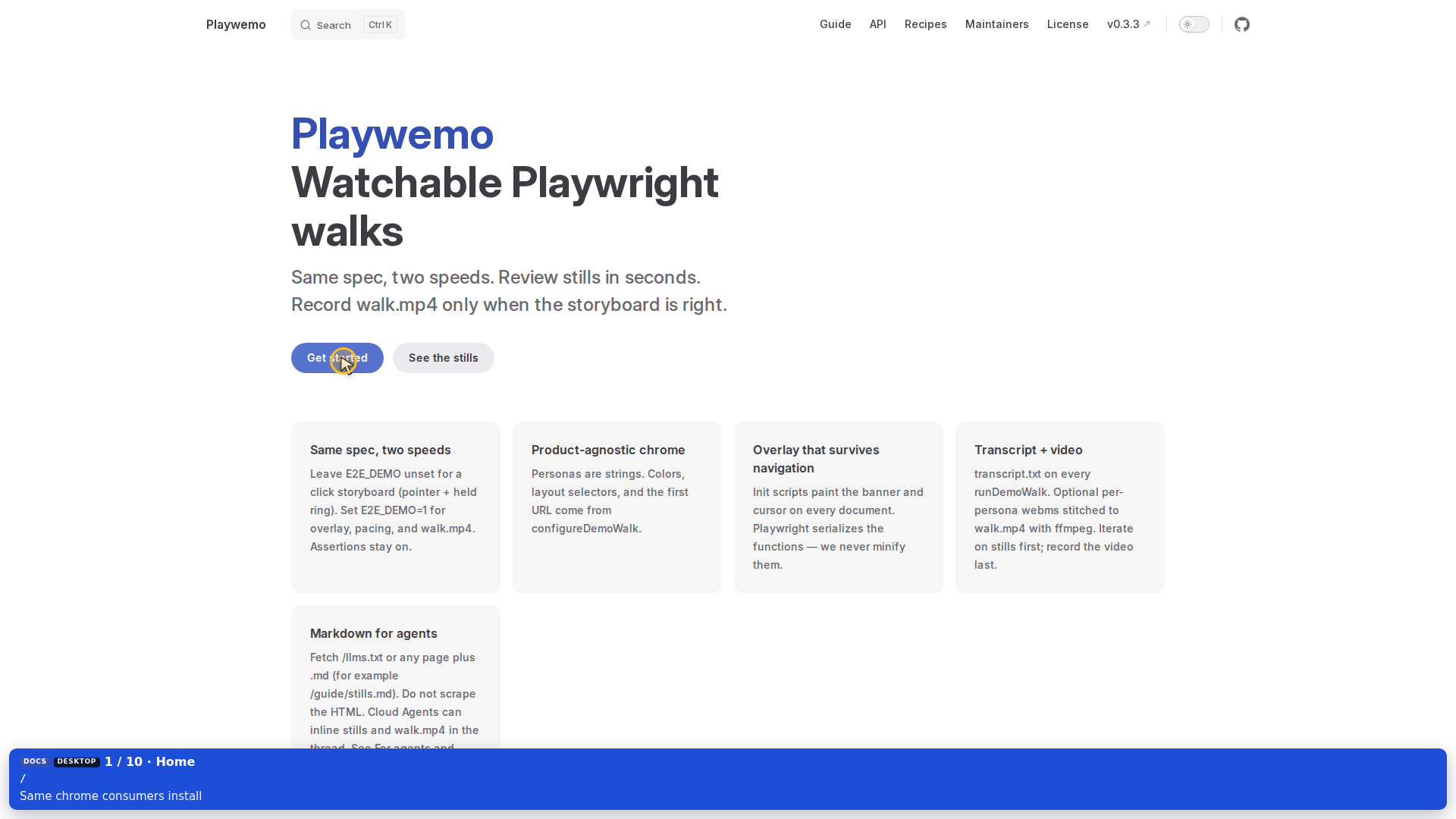
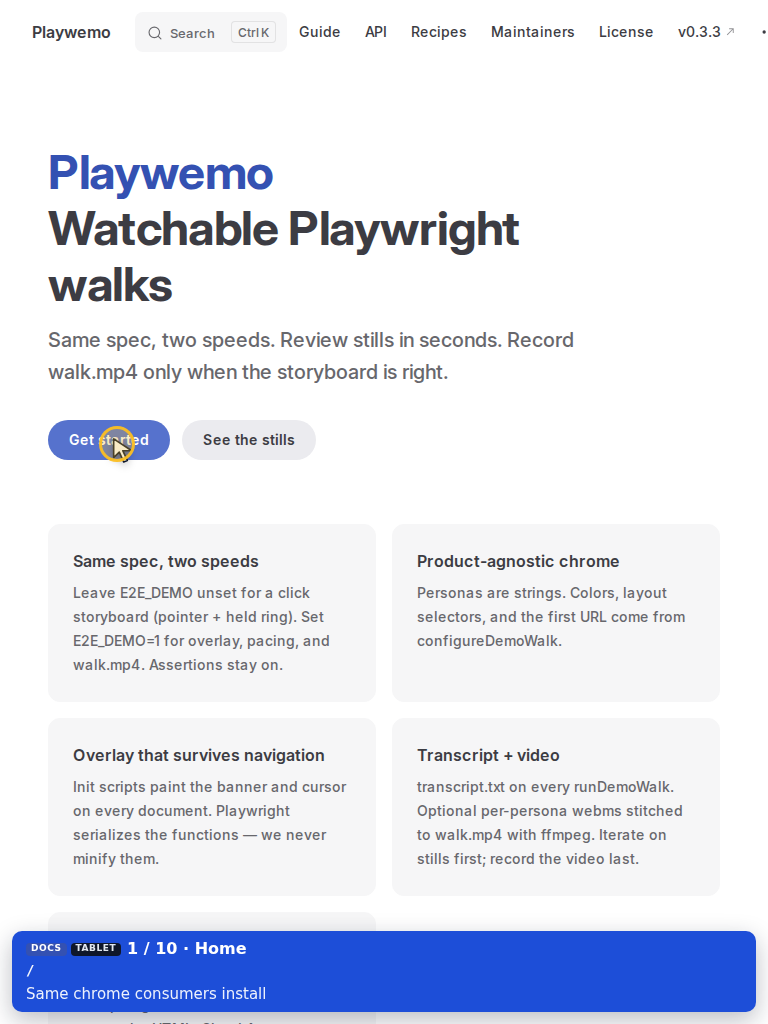
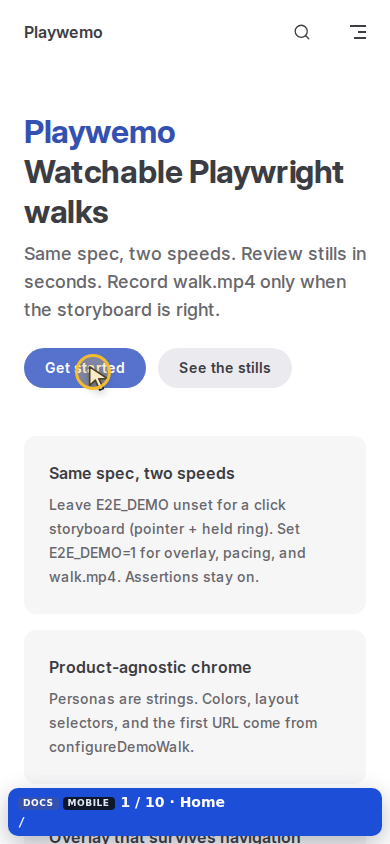
Use demoContextOptions(device) when you open a context yourself. Do not hardcode a viewport in a new demo context.
Fullscreen
demoFocus → presentDemoWindow brings the persona forward. OS fullscreen (CDP Browser.setWindowBounds) runs only when a real window exists (--headed / HEADED=1 / E2E_DEMO_HEADED=1).
Headless CDP fullscreen paints the page into a corner of the 1080p video. Leave it off for recordings.
E2E_DEMO_FULLSCREEN=0 keeps the OS window windowed even when headed.
Leftover Chrome
closeStrayBrowserWindows closes leftover Google Chrome via xdotool/wmctrl. It does not close Playwright Chromium.